uTime 9
Hello, Liquid Glass.
The biggest redesign in uTime’s history has arrived. Built from the ground up for iOS 26, uTime 9 embraces Apple’s stunning new Liquid Glass design language — every screen, every button, every moment feels brand new.
⬇ Download on the App Store (iOS & iPadOS)
⬇ Download on the Mac App Store
What’s New in uTime 9
✦ A Whole New Look
- Brand new app icon with iOS 26’s adaptive glass look
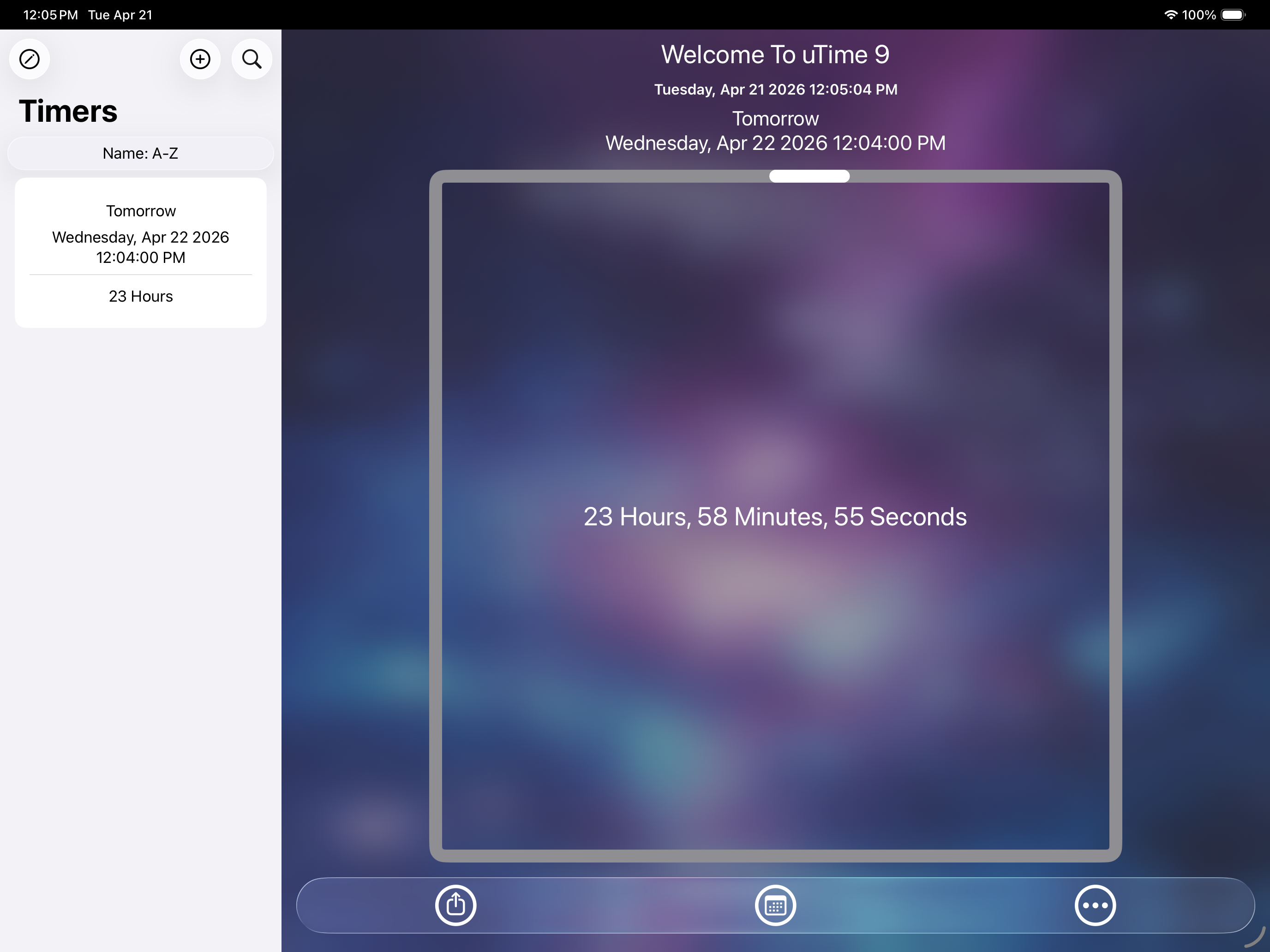
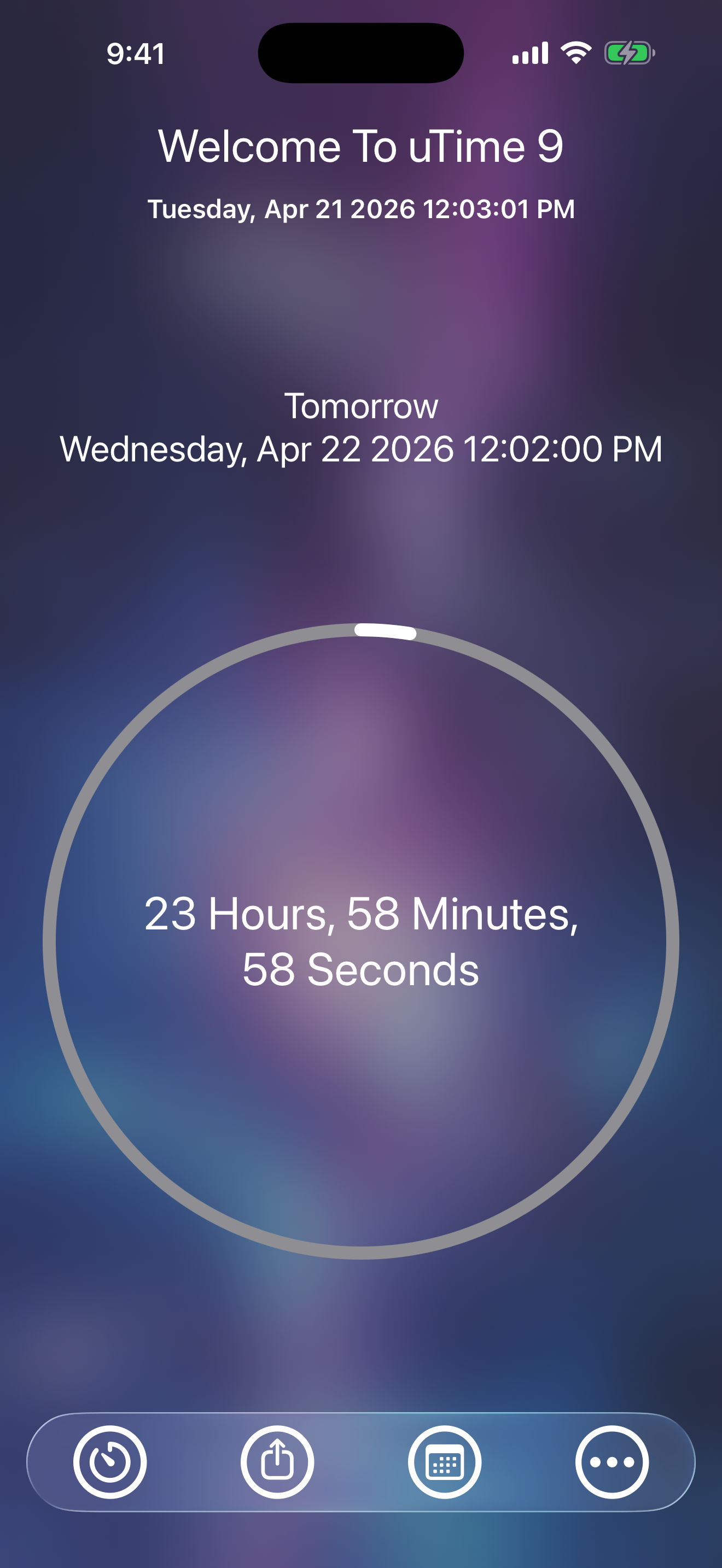
- Home View completely redesigned with Liquid Glass and a redesigned tab bar
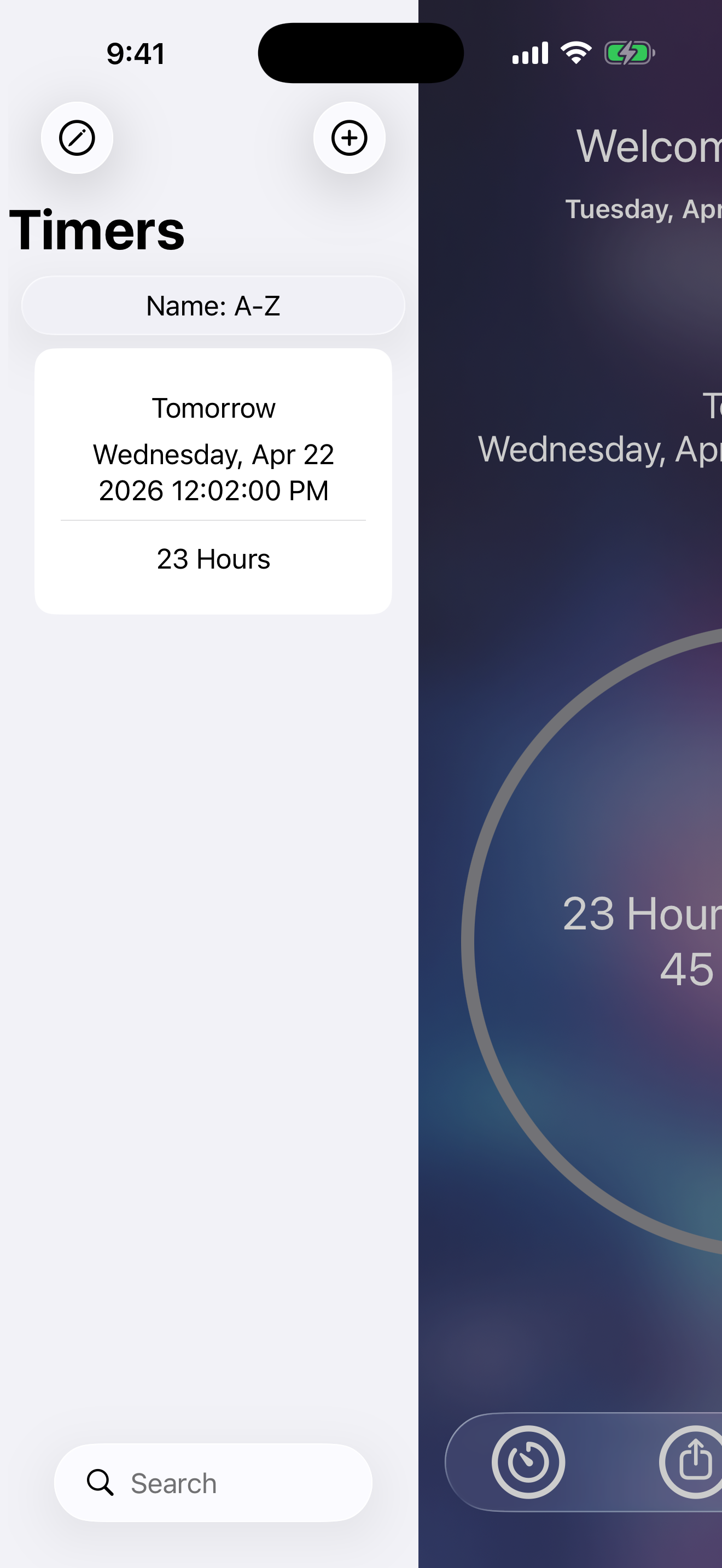
- Timer table updated with glass-styled elements
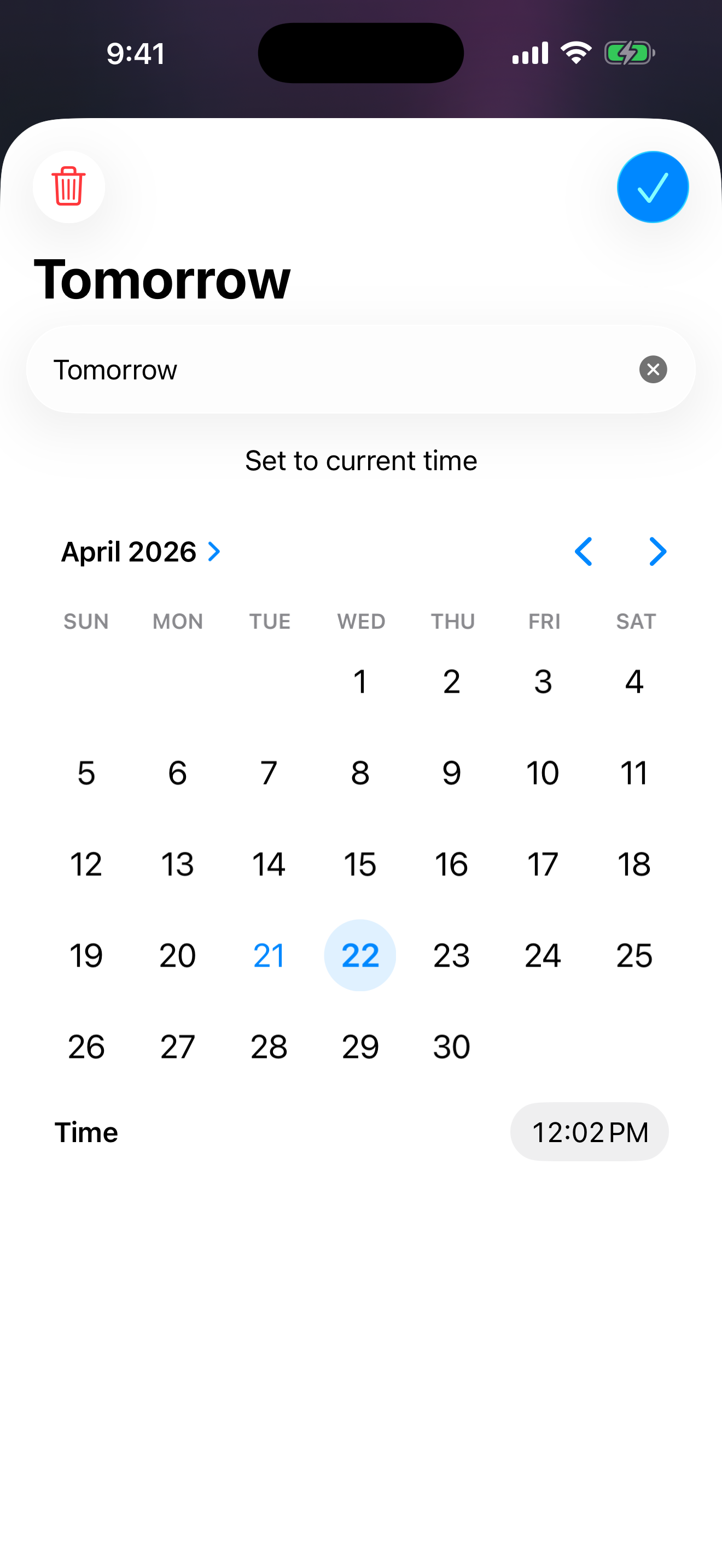
- Modify Timer has a new glass text field and updated navigation bar icons
- Info view rebuilt with all-new Liquid Glass buttons
- Feedback screen redesigned with the new glass UX
- First-time setup experience updated for the new design
- New launch background to celebrate uTime 9
✦ You Asked, We Listened
- You can finally delete ALL timers at once
✦ Widgets, Completely Rebuilt
The countdown widget has been rebuilt from scratch with a modern architecture for more frequent updates and rock-solid data handling.
- Fixed widgets not showing the correct timer or displaying no timers at all
- Fixed widgets not refreshing when timers are edited or the app is backgrounded
- Fixed tapping a widget not opening to the correct timer
- Fixed widgets freezing or crashing other widgets in a stack
⚠️ Widget Note: Due to the full rebuild, you’ll need to remove your existing uTime widget from your Home Screen and re-add it.
✦ Bug Fixes & Improvements
- Various bug fixes for syncing timers with Apple Watch
- Various bug fixes for timer creation, storage, and deletion
- Miscellaneous performance improvements throughout the app
See It in Action
Get uTime 9 Today
Available April 22, 2026 on the App Store for iPhone and iPad.
⬇ Download on the App Store (iOS & iPadOS)
⬇ Download on the Mac App Store

