AT&T to begin unlocking off-contract iPhones Sunday

Today AT&T announced that starting Sunday will unlock off contract iPhones in response to complaints from Apple and iPhone users. This is great if you want to go to T-Mobile or are going to be leaving the country and don’t want to pay AT&T’s high international costs. Here is the official statement (via 9to5mac)

“Beginning Sunday, April 8, we will offer qualifying customers the ability to unlock their AT&T iPhones. The only requirements are that a customer’s account must be in good standing, their device cannot be associated with a current and active term commitment on an AT&T customer account, and they need to have fulfilled their contract term, upgraded under one of our upgrade policies or paid an early termination fee.”

So there you have it.

[9to5mac]

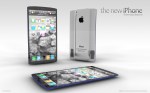
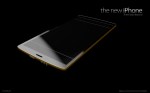
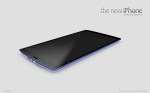
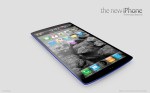
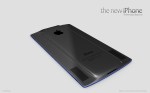
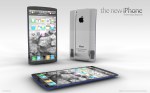
New iPhone concept shows a 4.6 screen [Concept]

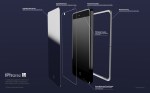
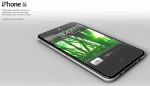
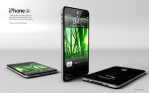
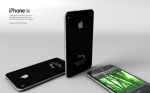
Some of you might have seen this concept but then again some of you might not have. Anyways a few days ago there was a rumor that the New iPhone would have a 4.6 inch screen which is most likely false. However that didn’t stop from ADR studios which has created some of my favorite iPhone 5 concepts from dreaming up what it could look like. Although the concept is nice it is sort of ridiculous. The design is nice as they envisioned it with the bigger screen, aluminum back, and colored edges. Also with the concept the home button would be completely software based which some rumors have said would happen. Also according to this concept The new iPhone would have a side to side display with not one retina displays but 3! One at the top one in the middle and one at the bottom. Also the design calls for getting rid of sim cards saying the most advanced phone shouldn’t have old technology. I personally don’t like how they made the back with a bump sort of where the area of the iPhone 4 is now or the screen size or lack of home button. I do like the idea of the colored edges, colored edges, and aluminum back. Full gallery below!

[ADR Studios]

iPhone 5 Concept from Magic Mouse is Horrible

This slideshow requires JavaScript.

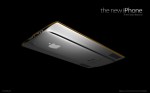
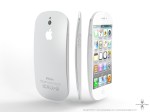
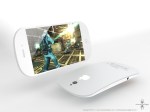
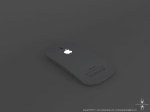
Some people and their concepts. Today we have a concept you probably have already seen. This iPhone concept was made to be if Apple went with a Magic Mouse sort of design for the next iPhone. How would it look like?

The design has a glowing Apple Logo which would do it for some people. The design has some major flaws. If you would put it down you would have it wobble everywhere. The photo has the Phone face down on the screen but that’s awful. Imagine all the scratches the thing would get! I honestly think this is the worst design concept I have seen.

We will be seeing a new design this year as it goes with the Cycle. 2 Generation iPhones have the same design then after that we get a refresh! The iPhone 3Gs kept the iPhone 3Gs design and the 4s took the iPhone 4’s design.

The iPhone 5’s would have to be designed around the hardware. We have rumored 4G LTE, a 4 inch screen, a bigger battery, and maybe a new way of charging. All of that would have to make it into the design so Apple would make the phone look like something that could handle all of that. (Follow the iPhone 5 Rumors and Concepts)

Here are the photos from the website along with a link:

[ciccarese]

Apple Could Replace the 30 pin dock connecter for iDevices

Apple could be ready to ditch the 30 pin dock connecter it uses in all of it’s iOS devices. This would make some room for better hardware.

An Updated “micro dock” could make room for bigger batteries, 4G radios, and other components far more important to the iPhone and iPad in a PC free world.

Apple has made some components in their iPhones smaller for thinner designs. Like the micro sim to make a thin design for the iPhone 4 for more hardware improvements and a thinner design. Could we see a smaller dock connecter or even better wireless charging? This could be a problem for some people and case makers as all cases for these products are based around the 30 pin dock connecter.

This comes from popular rumor site iMore.com which has great iOS news and rumors. They are what we are basing the iPad 3 launch date off of. March 9th.

[iMore]

How to follow the Super Bowl with your iPhone,iPad,and Mac

Superbowl Sunday is great. Unless you aren’t anywhere near a TV. That changes today. I am going to tell you how to watch the Super Bowl live using either your iPhone, your iPad, or even your mac!

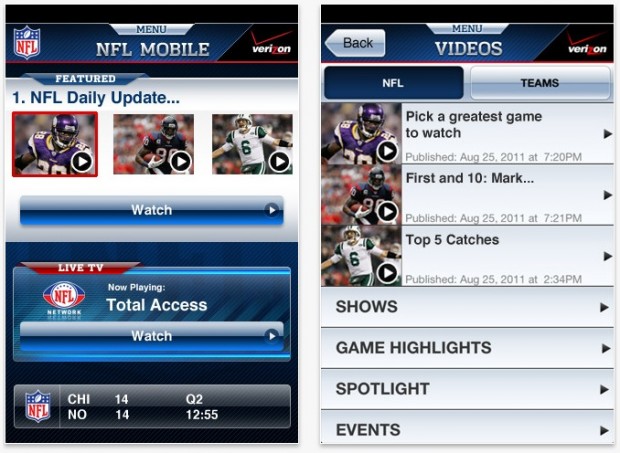
NFL Live for Verizon iPhone

If you have a Verizon iPhone you are lucky. You van get the NFL Live app for your iPhone and watch the game live. The App is universal but I don’t know if you can stream it right to your iPad so you might not want to rely on this for your iPad.

[App Store Link]

NFL.COM

This is probably a good free version to use! All you have to do is launch safari and go to the site which can be found here. Then just watch the game! This can be done from your Mac,iPhone, iPod Touch, and iPad!

[WebSite Link]

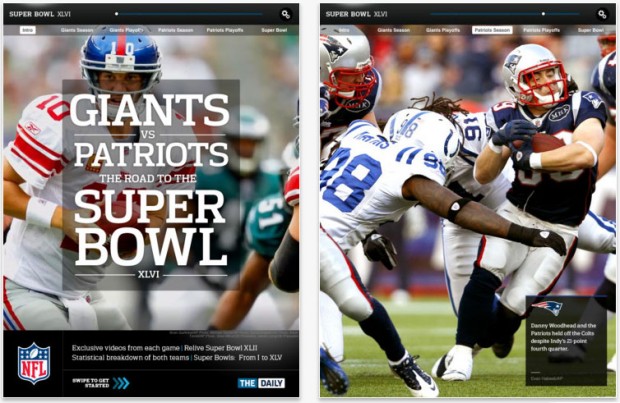
Super Bowl Commemorative App For The iPad

This one isn’t free but it gets the job done and I am guessing very well too. The app will bring you how the Patriots and The Giants made it to the super bowl, stadium shots, interviews and of course the live game. If you wanna snag this app go head!

[App Store Link- $3]

More Renderings of the iPhone SJ Emerge

This slideshow requires JavaScript.

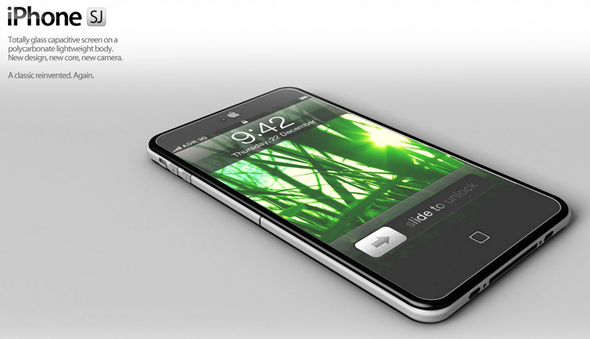
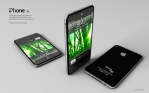
Above are all the images for the iPhone SJ Concept including ones that emerged today. The iPhone Sj concept was amazing concept that I brought to you about a week ago. The concept had gotten so much attention ADR Studios added some new photos [Above] to the collection along with a video! This is what I hope Apple’s sir Jonathan Ives and Apple’s design team is looking at. Well some parts anyways. Full gallery of all the concept images along with the video below!

Gallery:

[ADR Studios]

The iPhone SJ Concept is AMAZING

Today I found this. It’s the iPhone SJ concept. It comes with the rumored 10 megapixel camera and the A6 dual core processor which I had said won’t happen this year. The iPhone 4S is the same design as the old iPhone 4 making us all want something new. Hopefully this is close to something we might get. I love this concept. It looks great. This design calls for a full front glass capactive screen, and a polycarbonate body.  Remember the next iPhone is likely to be called the iPhone 5. Here are the rest of the images for this concept.

[ADR Studios]

Apple: A Year In Review

Apple had a really big year. So I thought I would go into everything Apple did in 2011. Well not everything but the big things. So let’s get started.

iPad 2

The iPad 2 has been an amazing hit for Apple, and it still is. First announced by Steve Jobs on March 2nd 2011 I didn’t think that it would be such a hit along with many. On release date on March 11th I saw it would be an instant hit. It has turned out everyone wants one. At a point more people wanted an iPad 2 than world piece. It is a great product and when the new one get’s released it will be even better. Good work Apple.

Lawsuits, Lawsuits, and more Lawsuits,

This is a thing I don’t really want to mention but I feel like I have to. This year Apple went a little patent lawsuit crazy. Going after samsung copying the iPad 2. Android Manufactures so many I can’t list them but a quick google search should be able to find you this information. Apple has won over HTC in the US banning some phones from resale. Most older handsets not even for sale anymore. We will have to see how the rest of this plays out.

Lion

Mac OS X lion. Loved by some hated by others. Lion first made it’s way on to ALL of our systems July 20th a near 5 months ago. The software was the first Mac OS to be offered as a download only. It brought features from iOS including Full Screen apps, Resume, auto-save, and most importantly to some the mac app store. The Mac App Store has ton’s of apps. All of Apple’s Apps are also on the store. Lion has been the #1 most downloaded for 5 months and still is. Good work Apple. Personally I love lion and it’s features. Watch my in depth video of Lion here.

iOS 5

iOS 5. The best mobile os update Apple has ever made. Brining iCloud to the world. Great style notifications. iMessage. All of these improving on the already great operating system we have for our iOS devices. It is great and with iOS 5 5.1 beta we will have to see what new things come in the OS when the new iPad hardware is released. Read my iOS 5 review here.

New Management

Steve Jobs after the iPhone announcement announced he could no longer be CEO of Apple as he just didn’t feel like he could do well enough of a job. Placed as the chairman of the board Tim Cook replaced him and is the Current CEO.

iPhone 4s

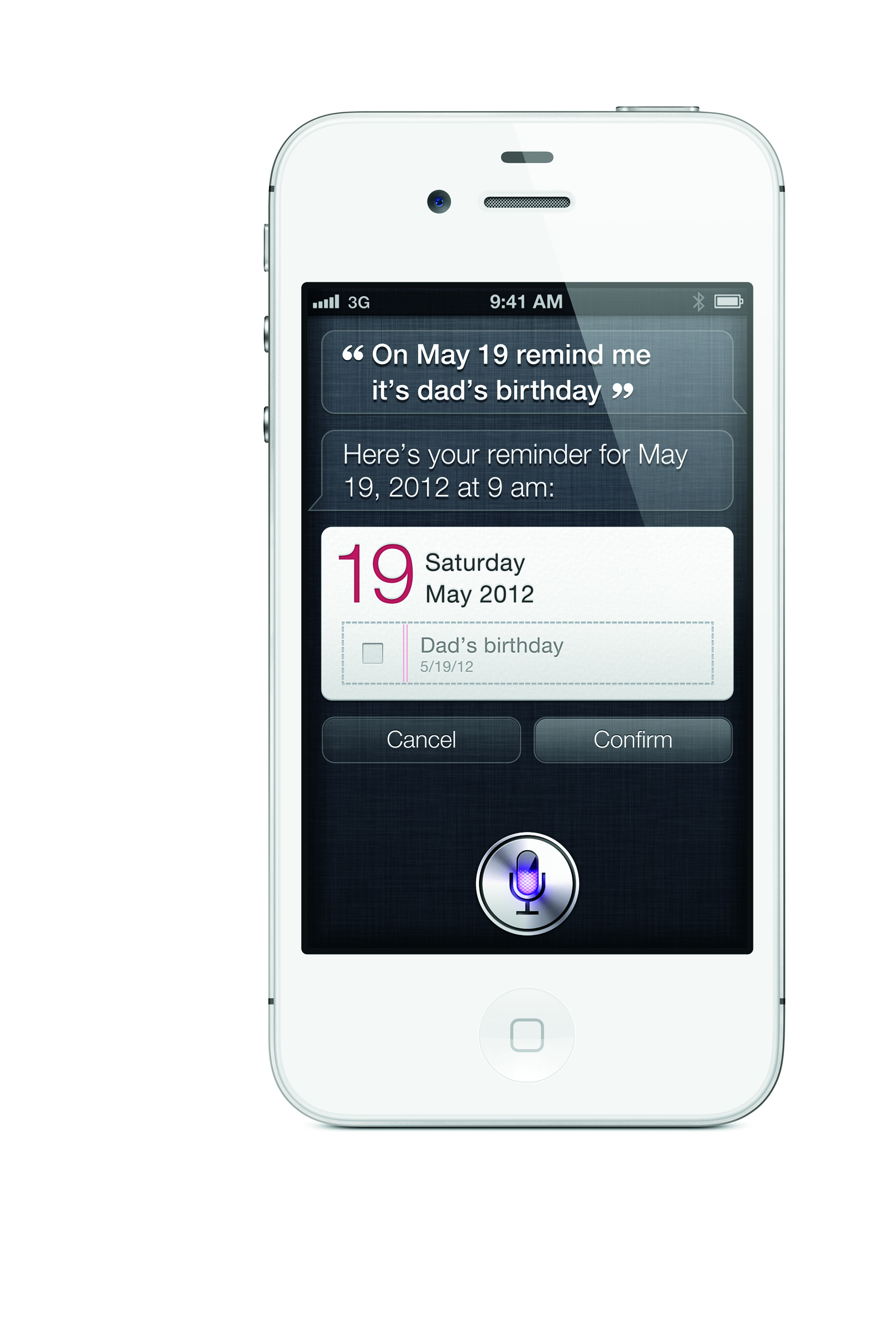
The iPhone 4s set new records for sales. Breaking the records of weekend sales selling 4 million units in the opening weekend shattering the iPhone 4’s 2 million sales. the iPhone 4s is doing wonders for Apple. With the new A5 processor and Siri. Read my iPhone 4s review here.

Siri

This deserves it’s own spot as it is the biggest reason if not the only reason the iPhone 4s is selling the way it is. Siri Apple’s iPhone voice intelligent system is great and is the base of most of the iPhone ads they are airing today. It is incredible and I want to see it make it’s way to the iPad 3 that should be announced in the next few months. Read my iPhone 4s review including Siri here.

Goodbye Steve…

This year we said goodbye to the man who made Apple run. From the Apple I all the way to the iPhone 5 (ill touch on this next) Steve was the heart of Apple. His legacy still lives in his products as we can see his visions in iOS and all the Apple products we use every day. From the Mac to the iPhone. Thank you Steve… For everything.

iPhone 5

The rumor of the iPhone 5 has been going on for a while now and is still to this day. This was supposed to be the iPhone to be released and not the iPhone 4s. It was said that the iPhone 5 was one of the final projects Steve had worked on. Scrapped at the last minute we didn’t see the mystical device and we are hoping to see it this year. The iPhone was said to have a 4 inch screen, LTE 4G, and a new form factor. The phone is said to have been scrapped due to supply shortages or a hardware problem. Read all the iPhone rumors by clicking here!

What to do with that new iPhone/iPod you just got

So you got a new iPhone or iPod for the holidays! Great! By now you should have had time to play around with it and you want to know what you should do next! Well here is what you should do in terms of apps,music,photos and more. So let’s get started.

Apps

Here are some of the Apps you should get for your iPhone or iPod Touch.

1. Facebook –

The king of the social networks. As horrible as this app is to some people I don’t find it that bad. Sometimes it will annoy me though. It is better than using the mobile site as you can’t upload all your holiday photos using the web page. [iTunes Link]

2. Twitter –

Twitter is built into iOS 5. You can tweet out website links and photos from inside our native safari or photos app on the device. To do all of this though you need to get the official twitter app. It is a little hurtful on the eyes but the app itself is good and hey it’s free! [iTunes Link]

3. Tiny Wings –

This is one of my favorite iOS games of all times. Tiny wings. You are a bird who has always dreamed of flying. Unfortunately you have tiny wings. Good thing is the world is full of hills. You try and make it through islands by getting air of the hills. It is extremely addicting and I love it and I hope you will to. [$1 – iTunes Link]

Music

One of the great thing about having an iPhone and an iPod is you have music wherever you go. If you don’t have any though then well you are going to be missing out. One of the things every iPhone and iPod can do is download music,tv,and movies straight from the iTunes store along with previous purchases of TV and music. All you need to do is launch the iTunes store, go into the purchases, music, then hit the download all. This will take a while and unless you have iTunes match your mp3’s will NOT download. So to save time you might just want to plug your iPhone/iPod into iTunes and then have all your music.

Photos

The iPhone and the iPod are great way’s to show off your photos. All you need to do is hit the Photo tab when you connect your iDevice to iTunes and check the “Sync Photo’s” checkbox and you are done! Congrats!

iCloud

iCloud iOS 5’s biggest possibly best feature. It is amazing. It alows you to keep Photo’s, Calanders, Contacts, and more synced accross all your devices. Mac or PC. All you need to do is have an Apple ID. Once you do then you can navigate to Settings>iCloud. If you are not signed in go ahead and then select the services you want! Photo Stream stores 30 days or 1,000 new photos. You can clear ALL of them from iCloud.com and soon individually with iOS 5.1.
Play Around!

There are many great amazing things that the iPhone and the iPod touch have to offer and this is just a quick little guide to get you started. I will be posting some fun tips and tricks for all you new iPhone users and some good ones for older iPhone users. If you have a tip or a trick feel free to comment or send me a message on twitter (@matthewjagiela). Enjoy your night and I hope all of you had a wonderful day.