A Note on uTime for Mac and macOS Sierra

uTime App Icon

Back when uTime for OS X (now refered to as macOS) first came out I wrote about how iCloud syncing did not work with macOS Sierra. Shortly after this discovery I filed a bug report with Apple and now that the official release of Sierra is upon us and the feature is still broken I thought it was time for an update on the situation.

The problem is how uTime syncs arrays between devices. Without going into complex details the feature was noted by Apple as being broken and was being looked into. They did not fix it with the release of macOS Sierra which is very disappointing as it renders uTime useless if not being used alongside an iOS device.

However, with the second beta of macOS Sierra 10.12.1 the issue is fixed and iCloud syncs between devices yet again. What this means is that Apple has figured out the problem and the next update to macOS should solve the problem.

I appreciate the patience and I know this is a big problem but it is out of my control unless I want to change both the way the iOS app and macOS app work. If this problem wasn’t fixed with 10.12.1 then I would have probably start to have done.

Thank you for the patience and keep your eye out for macOS updates.

Download uTime for macOS


uTime for OS X 1.1.2 Now Available!

uTime App Icon

uTime 1.1.2 is now being pushed to the Mac App Store. uTime 1.1.2 contains bug fixes and improvements. The official changelog is:

1.1.2:
-Added Links to download uTime in the info panel.
-Fixed error where hitting “Web Support” did nothing.
-User interface improvements

That’s all for this update. There will be much more to come to both uTime for OS X and uTime for OS X in the near future. Until then though happy downloading.

Download uTime for OS X | uTime for iOS

OS X Mountain Lion Review

Today is the day where you can finally get your hands on the newest greatest version of Mac Software, OS X Mountain Lion. Fortunatly I have had the software ever sense it was announced so I am going to tell you what’s good and bad. So lets get started.

Good: Messages

One of the things that first surfaced when iMessage was announced in iOS 5 is when was it going to be implemented into the Mac. Well mountain Lion brings that functionality. Messages replaces iChat but still has all the same features just with the addition of having all your conversations in one window and having the ability to send iMessages to every iOS 5+ device. Remember if you have the messages BETA tomorrow it will expire forcing you to upgrade to Mountain Lion for the feature.

★★★★

Good: Reminders
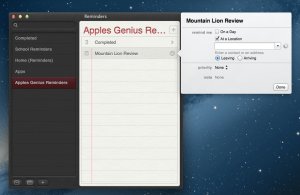
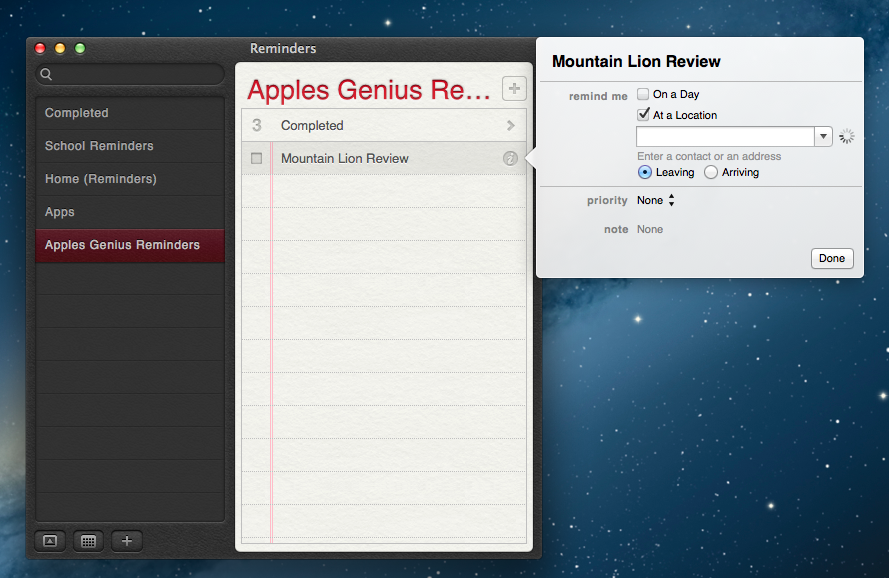
One of the things that a student or business man needs is a ToDo list. I will be using this app for the course of the upcoming school year. The reminders app for mac is great. All you need to do is add a what you need to do and when it needs to be done by and your done. You can also tell your reminder to go off when you leave or when you arrive somewhere. However that feature is more for iOS device syncing to your 36/LTE iPad or iPhone not your mac. The cross platforming will make sure you will get what you need to get done, well done. Notifications will also remind you to get done the item you added.

★★★★

Good: Notes
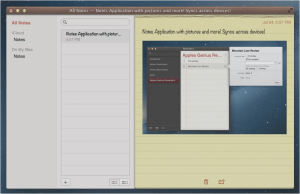
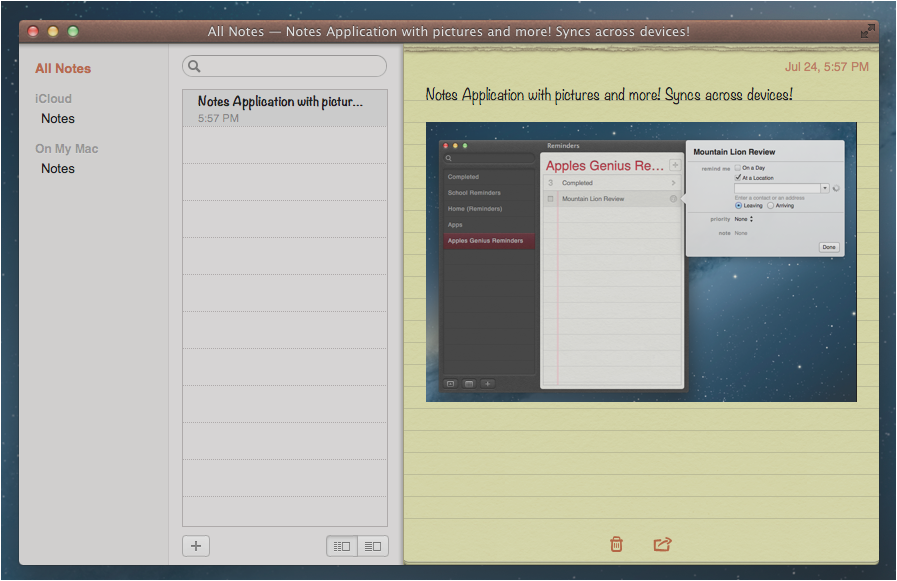
One of the things that bothered me when MobileMe and iCloud syncing came out was that you needed to go into the Mail app to get to them and syncing was TERRIBLE. Not only is the new Notes App easy to use it works very well also! It will sync automatically with iCloud throughout your iCloud enabled devices. You can also add Photos and bullet points into the application! Over all I really like it for Mountain Lion but I would love to see you be able to add photos and bullets to iOS.

★★★★

OK:Airplay Mirroring

One of the things I was really excited about was the addition of airplay mirroring for the Mac in Mountain Lion, however I have an early 2011 2nd GEN Macbook Air as my latest model with no intention of upgrading anytime soon and I was very disappointed that my Mac was not supported. Something with the processor but I bet it will be great for users who could take advantage of it but I have a feeling it will be very lagy for some which is ok. I hope maybe someday Apple will allow older Macs to be able to take advantage of this feature (one can dream).

★★★

Good: Game Center

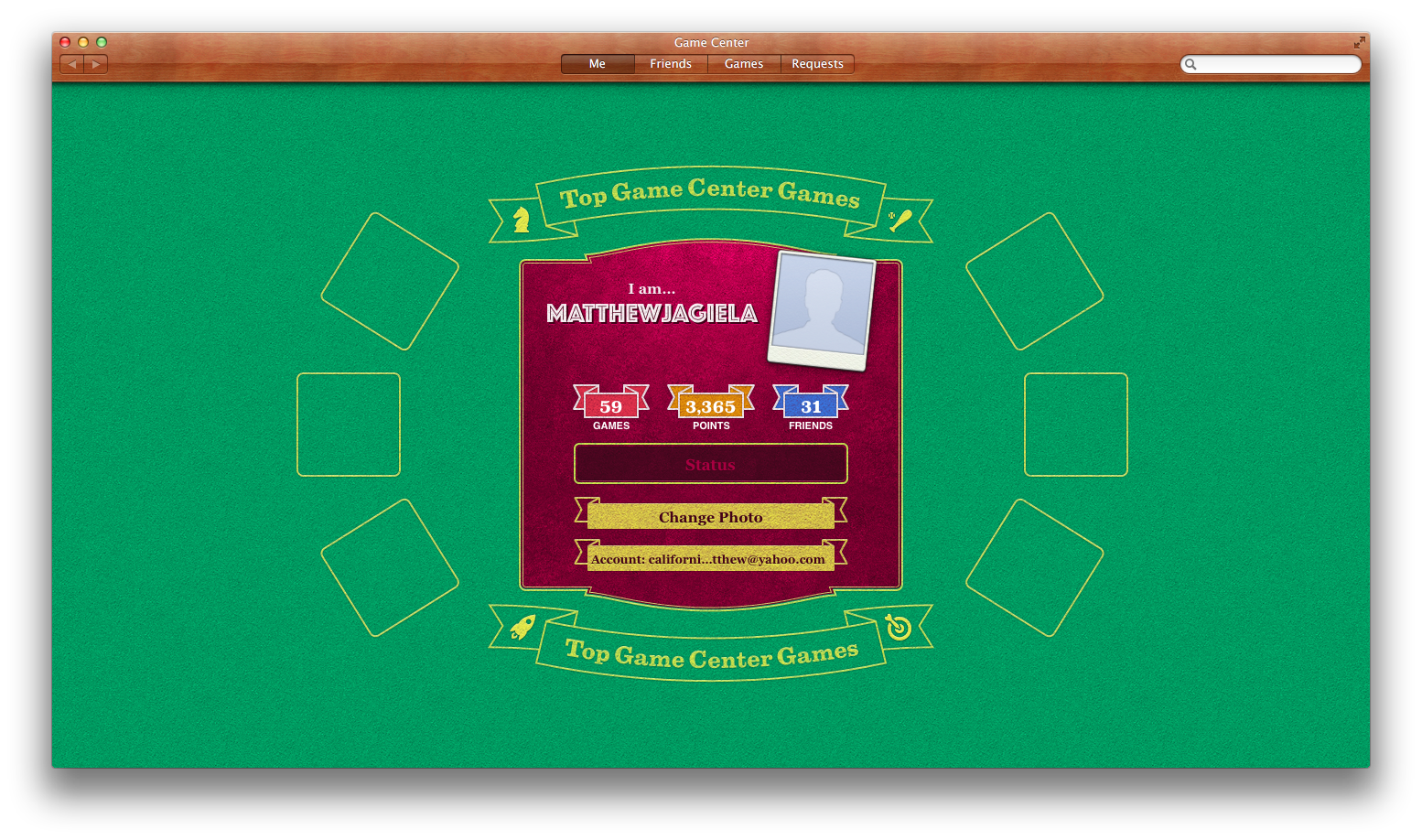
I like game center on iOS I really do. I think that when Game Center for the mac get’s applications that are ready for it then it will be amazing. Unfortunately I haven’t been able to see how good it is so I can’t really give it a star count but I will be able to give it a rating when I get some apps that support it but I think it is going very far and will have an impact on Mac gaming.

iCloud Storage

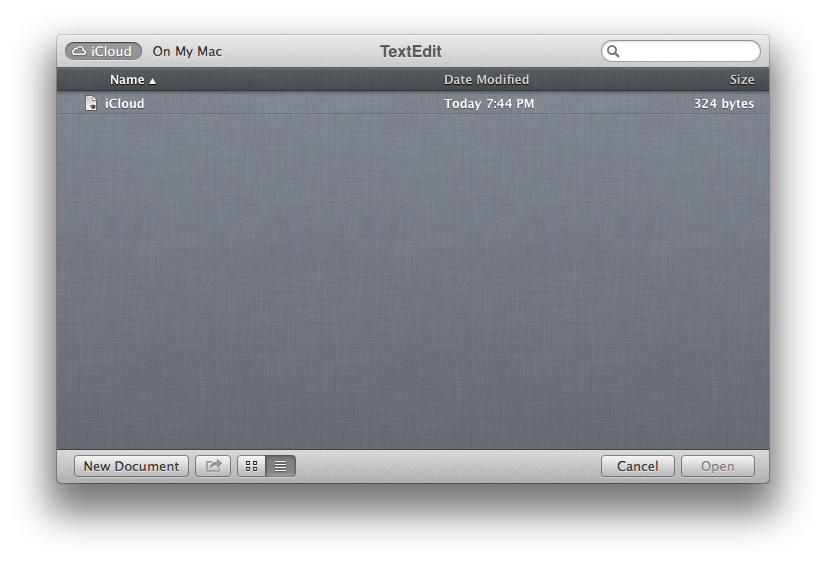
iCloud storage was teased about a year ago and we never got it. However in Mountain Lion they gave it to the text edit app. Hopefully soon enough if not tomorrow they will update iWork so we can start having data throughout our devices. I can say across Macs with text edit iCloud storage worked very well for me though and I can’t wait to see it get into iWork so I can have my documents everywhere I go.

★★★★

Good: Notification Center
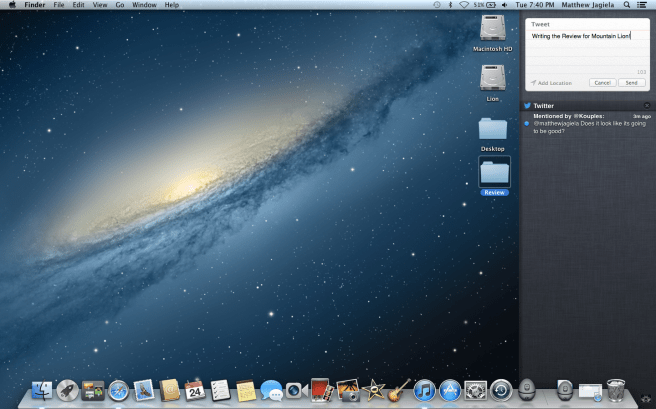
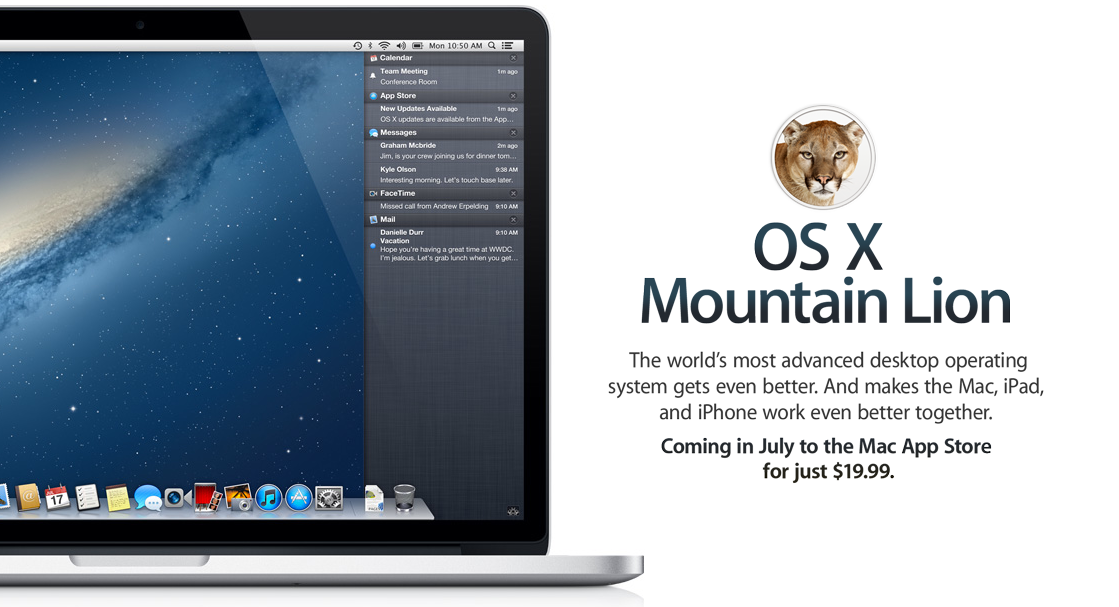
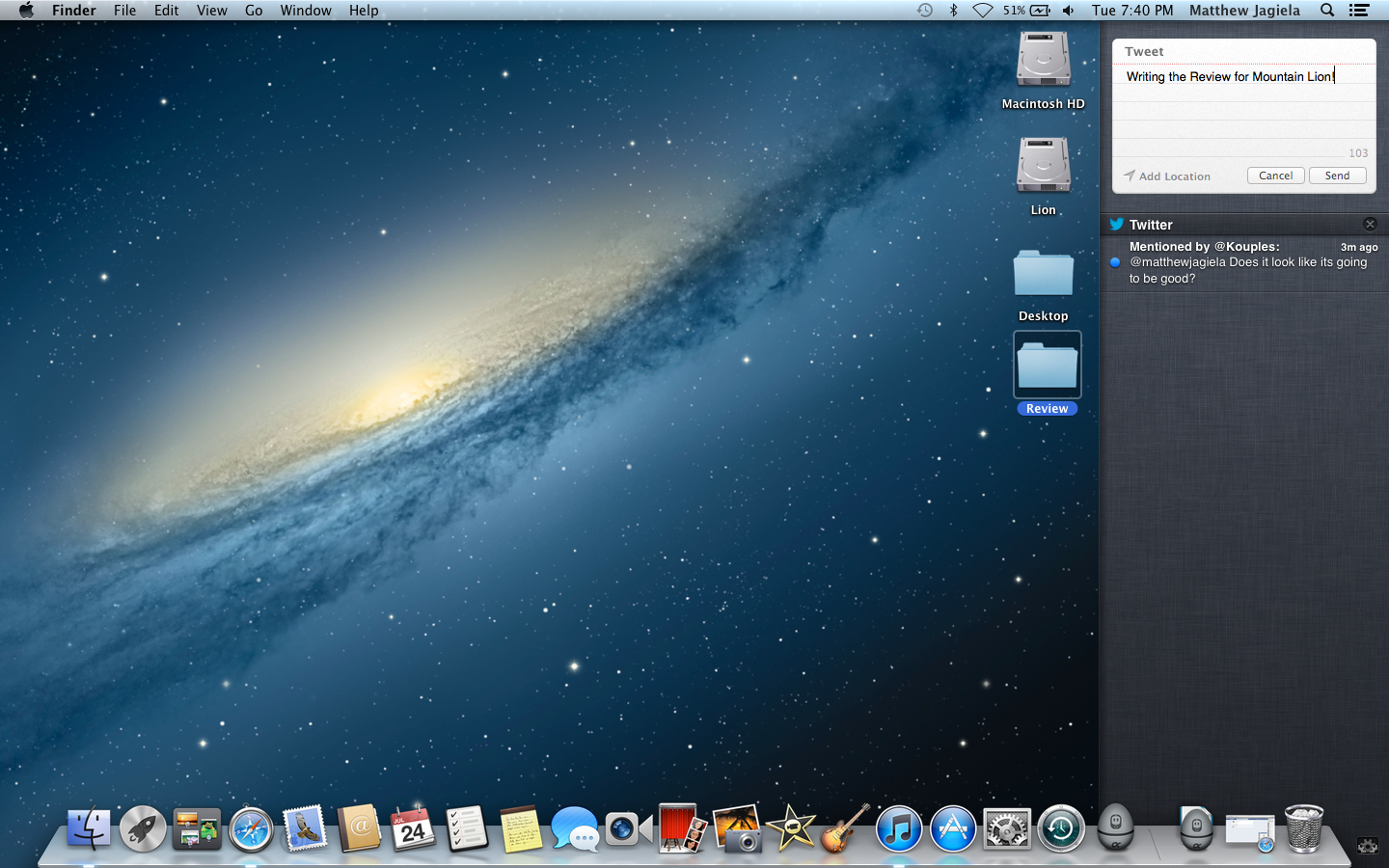
 One of the things that I really like about mountain lion is the notifications and the notification center. Taken from iOS all you need to do to access notification center is take to fingers and slide them from the very right of your trackpad and swipe left or hit the notification button in the top right of the screen! You can also hit the tweet button and send a tweet to twitter and eventually to Facebook!

★★★★

Really Bad: No more X11

x11 is used by many popular cross platform conversions from Windows. One of the most popular applications being GIMP. One of the thing’s Apple has done is totally removed X11 from Mac so GIMP and other applications that use x11 will not work and will have to be written natively unless there is a work around.

NO STARS

OK: GateKeeper
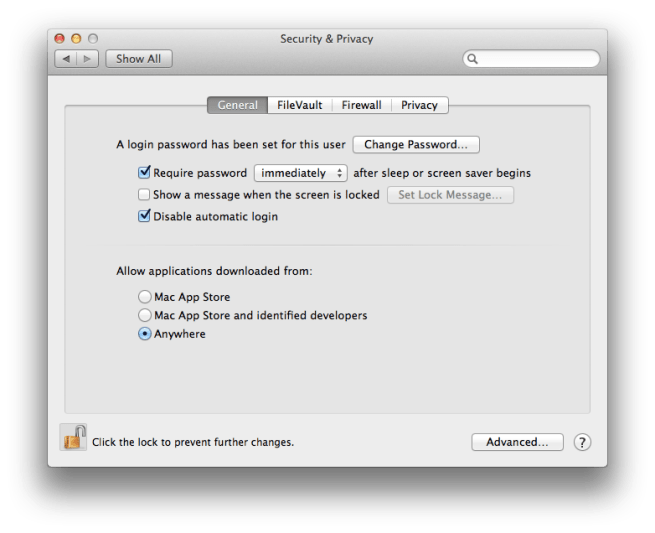
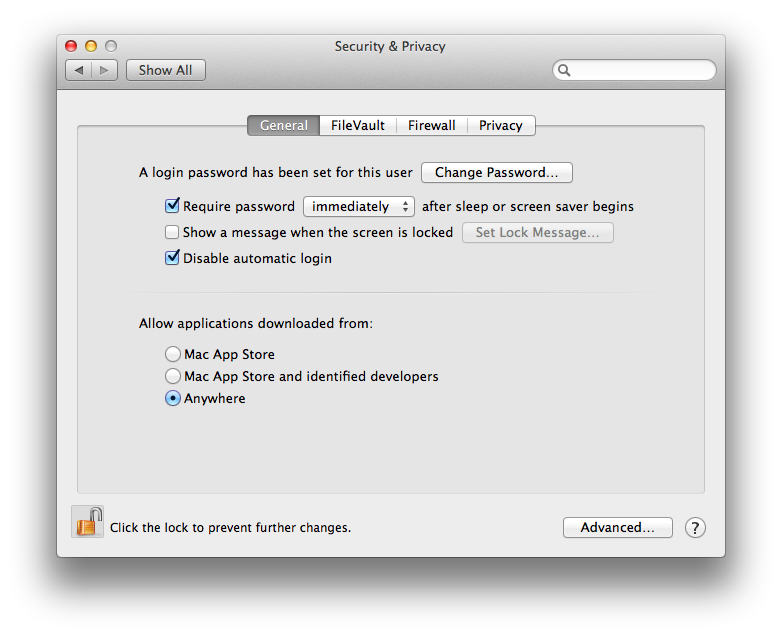
One of the things Apple added for security in Mountain Lion is Gate Keeper and new security measurements. From now on your Mac running Mountain Lion will check with Apple daily for security updates. Also with Gate Keeper you can only allow App store Apps, signed Apps from registered development companies, or software from anywhere. It is only ok because it shows that the Mac may start to be restricted from outside developers eventually but overall I like how Apple is handling security with this.

★★★★

Summary

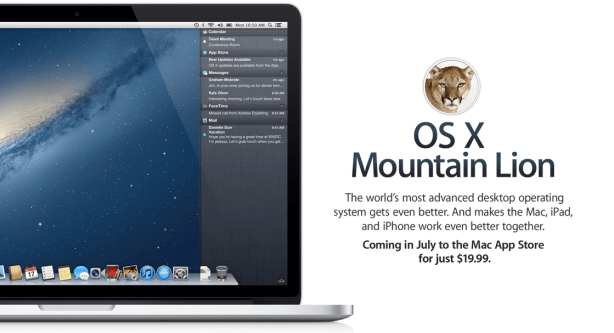
Mountain Lion is the best operating system Apple has released for the Mac so far and with software updates coming to use many of the new features some we don’t even know about will make the entire OS better. For only $20 it is a great upgrade for your Mac as you will have security, new features, and even more. However if you want to upgrade but one of these features is a deal breaker later today I will have a video on how to make another disk partition for Mountain Lion and can keep your current OS.

Final Score ★★★★

Apple Releases OS X Security Test Update for Mountain Lion

Yesterday Apple released a Security Update test for OS X Mountain Lion Preview 4(2). The update is an astonishing 1.18GB and has the following updates:

  • Daily Checks for required security updates
  • The ability to install required security updates automatically or after restarting your mac
  • A more secure connection to Apple’s update servers

So if you are running Mountain Lion beta 4 then go and get the update! Or wait for the push notification saying it was installed and you need to restart your mac! Happy downloading.

Messages won’t work when Mountain Lion Is Released

Messages for mac is amazing. I will be having a full review up tomorrow. However it is in beta for a reason, so when Apple is ready to release Mountain Lion there will only be a few bugs rather than a lot of them. So what happens when the beta period is over? Well according to this that consomac.fr was able to find you will have to either get rid of it or upgrade to Mountain Lion. So there you go I will have an app review and the messages review up tomorrow.

Mountain Lion Looks Good

Today Apple gave the world a sneak peak of OS X Mountain Lion bringing some of iOS’s most popular features to the mac in the same sense they did with Lion. It seems that it will be great when we get our hands on it but unless your a developer then you have to wait till the summer to get it! Here is what is mainly new

  • Game Center. Now challenge your friends using iPods iPads and iPhones and Macs.
  • Messages (beta download link here) Use iMessage on your mac. Replaces iChat but has all the same features.
  • Airplay Mirroring. Using your Apple TV now you can Mirror your mac on your TV like you can with your iPhone 4s and iPad.
  • Notification Center. Shows Notifications like iOS for apps that support it.
  • Reminders. This is what you expect.
  • Notes. This is what you expect also.

If you want to view the video and main things going on then be my guest.

[Apple – Mountain Lion]

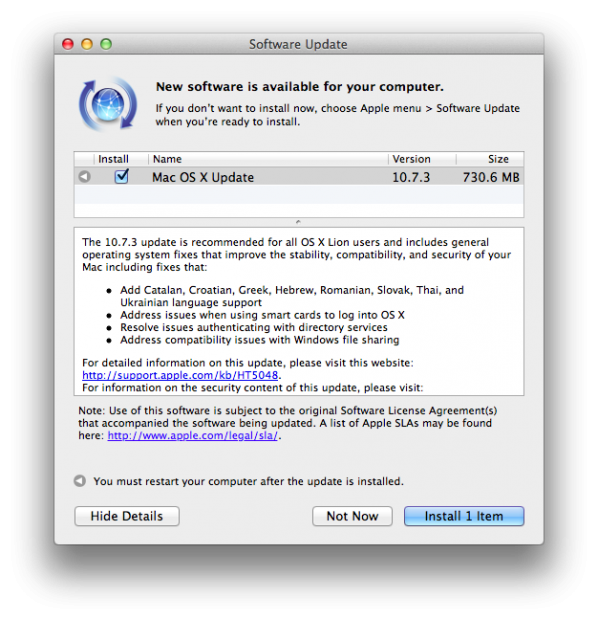
Apple releases Mac OS X 10.7.3

Apple today has released Mac OS X 10.7.3 to the public and here are all the changes

The 10.7.3 update is recommended for all OS X Lion users and includes general operating system fixes that improve the stability, compatibility, and security of your Mac including fixes that:

-Add Catalan, Croatian, Greek, Hebrew, Romanian, Slovak, Thai, and Ukrainian language support -Address issues when using smart cards to log into OS X -Resolve issues authenticating with directory services -Address compatibility issues with Windows file sharing

For detailed information on this update, please visit this website: http://support.apple.com/kb/HT5048.

For information on the security content of this update, please visit: http://support.apple.com/kb/HT1222.

So get downloading!

Apple: A Year In Review

Apple had a really big year. So I thought I would go into everything Apple did in 2011. Well not everything but the big things. So let’s get started.

iPad 2

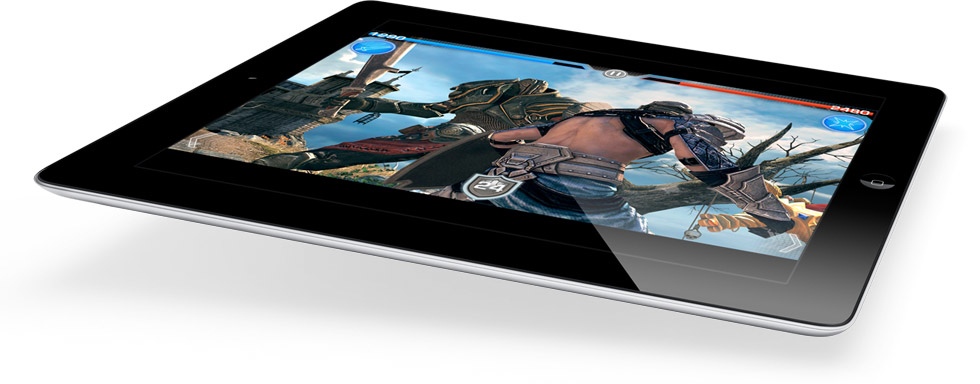
The iPad 2 has been an amazing hit for Apple, and it still is. First announced by Steve Jobs on March 2nd 2011 I didn’t think that it would be such a hit along with many. On release date on March 11th I saw it would be an instant hit. It has turned out everyone wants one. At a point more people wanted an iPad 2 than world piece. It is a great product and when the new one get’s released it will be even better. Good work Apple.

Lawsuits, Lawsuits, and more Lawsuits,

This is a thing I don’t really want to mention but I feel like I have to. This year Apple went a little patent lawsuit crazy. Going after samsung copying the iPad 2. Android Manufactures so many I can’t list them but a quick google search should be able to find you this information. Apple has won over HTC in the US banning some phones from resale. Most older handsets not even for sale anymore. We will have to see how the rest of this plays out.

Lion

Mac OS X lion. Loved by some hated by others. Lion first made it’s way on to ALL of our systems July 20th a near 5 months ago. The software was the first Mac OS to be offered as a download only. It brought features from iOS including Full Screen apps, Resume, auto-save, and most importantly to some the mac app store. The Mac App Store has ton’s of apps. All of Apple’s Apps are also on the store. Lion has been the #1 most downloaded for 5 months and still is. Good work Apple. Personally I love lion and it’s features. Watch my in depth video of Lion here.

iOS 5

iOS 5. The best mobile os update Apple has ever made. Brining iCloud to the world. Great style notifications. iMessage. All of these improving on the already great operating system we have for our iOS devices. It is great and with iOS 5 5.1 beta we will have to see what new things come in the OS when the new iPad hardware is released. Read my iOS 5 review here.

New Management

Steve Jobs after the iPhone announcement announced he could no longer be CEO of Apple as he just didn’t feel like he could do well enough of a job. Placed as the chairman of the board Tim Cook replaced him and is the Current CEO.

iPhone 4s

The iPhone 4s set new records for sales. Breaking the records of weekend sales selling 4 million units in the opening weekend shattering the iPhone 4’s 2 million sales. the iPhone 4s is doing wonders for Apple. With the new A5 processor and Siri. Read my iPhone 4s review here.

Siri

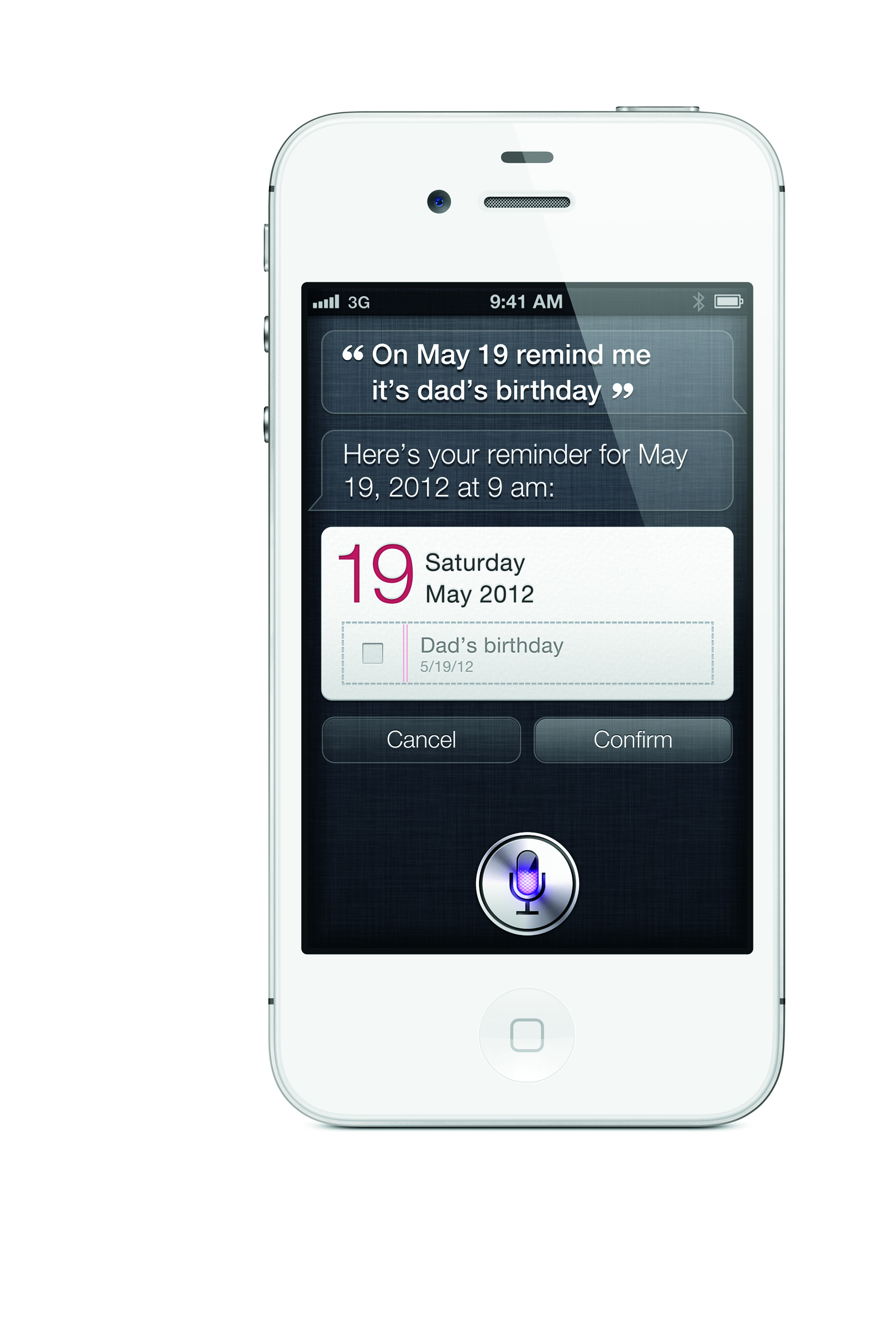
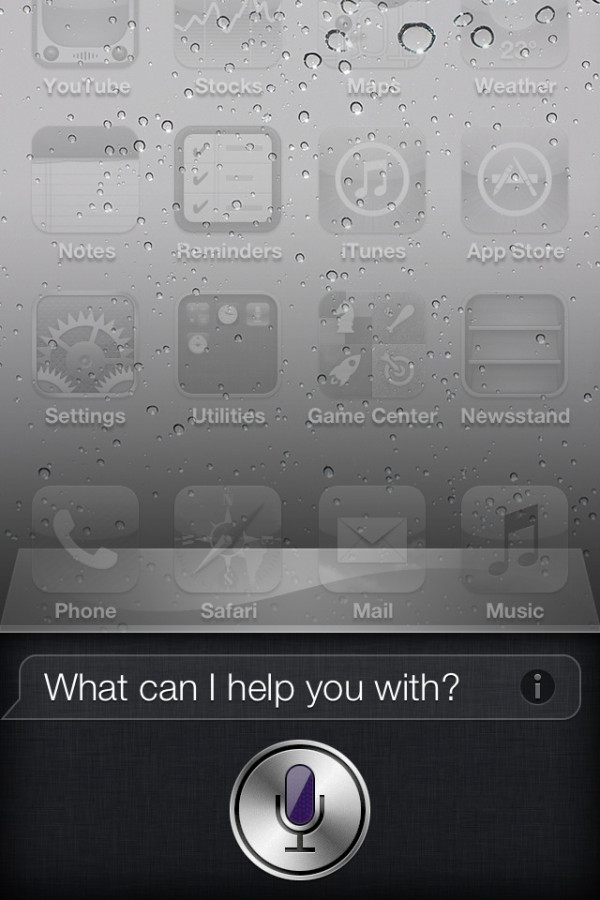
This deserves it’s own spot as it is the biggest reason if not the only reason the iPhone 4s is selling the way it is. Siri Apple’s iPhone voice intelligent system is great and is the base of most of the iPhone ads they are airing today. It is incredible and I want to see it make it’s way to the iPad 3 that should be announced in the next few months. Read my iPhone 4s review including Siri here.

Goodbye Steve…

This year we said goodbye to the man who made Apple run. From the Apple I all the way to the iPhone 5 (ill touch on this next) Steve was the heart of Apple. His legacy still lives in his products as we can see his visions in iOS and all the Apple products we use every day. From the Mac to the iPhone. Thank you Steve… For everything.

iPhone 5

The rumor of the iPhone 5 has been going on for a while now and is still to this day. This was supposed to be the iPhone to be released and not the iPhone 4s. It was said that the iPhone 5 was one of the final projects Steve had worked on. Scrapped at the last minute we didn’t see the mystical device and we are hoping to see it this year. The iPhone was said to have a 4 inch screen, LTE 4G, and a new form factor. The phone is said to have been scrapped due to supply shortages or a hardware problem. Read all the iPhone rumors by clicking here!