Yesterday (yes I am late) Apple released iOS 6 beta 2 for members of the iOS developer portal. The update contains bug fixes, more bugs added, and some new features which I will add later. To download and install you must be part of the developer portal. You can either download the software from Apple’s Developer Portal or if you are running iOS 6 already go to Settings>General>Software Update> Download. The Gears should spin inside the settings app but no the home screen icon stays still. So go and get it if you haven’t yet!
Yesterday Apple released a Security Update test for OS X Mountain Lion Preview 4(2). The update is an astonishing 1.18GB and has the following updates:
Daily Checks for required security updates
The ability to install required security updates automatically or after restarting your mac
A more secure connection to Apple’s update servers
So if you are running Mountain Lion beta 4 then go and get the update! Or wait for the push notification saying it was installed and you need to restart your mac! Happy downloading.
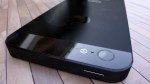
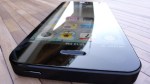
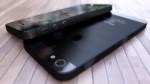
Parts of the new iPhone has been coming out and someone took the time to make a render of what they would look like in the wild as an actual phone! I didn’t think I would like it when I first saw the parts to it. However let’s just say if this is anything close to the real thing I will be out on launch day to pick one up. Full Gallery:
iOS 6 beta has been with us less than a week and I actually love it. I didn’t think I was because some things just didn’t make it that I really wanted it to but yes I love it.
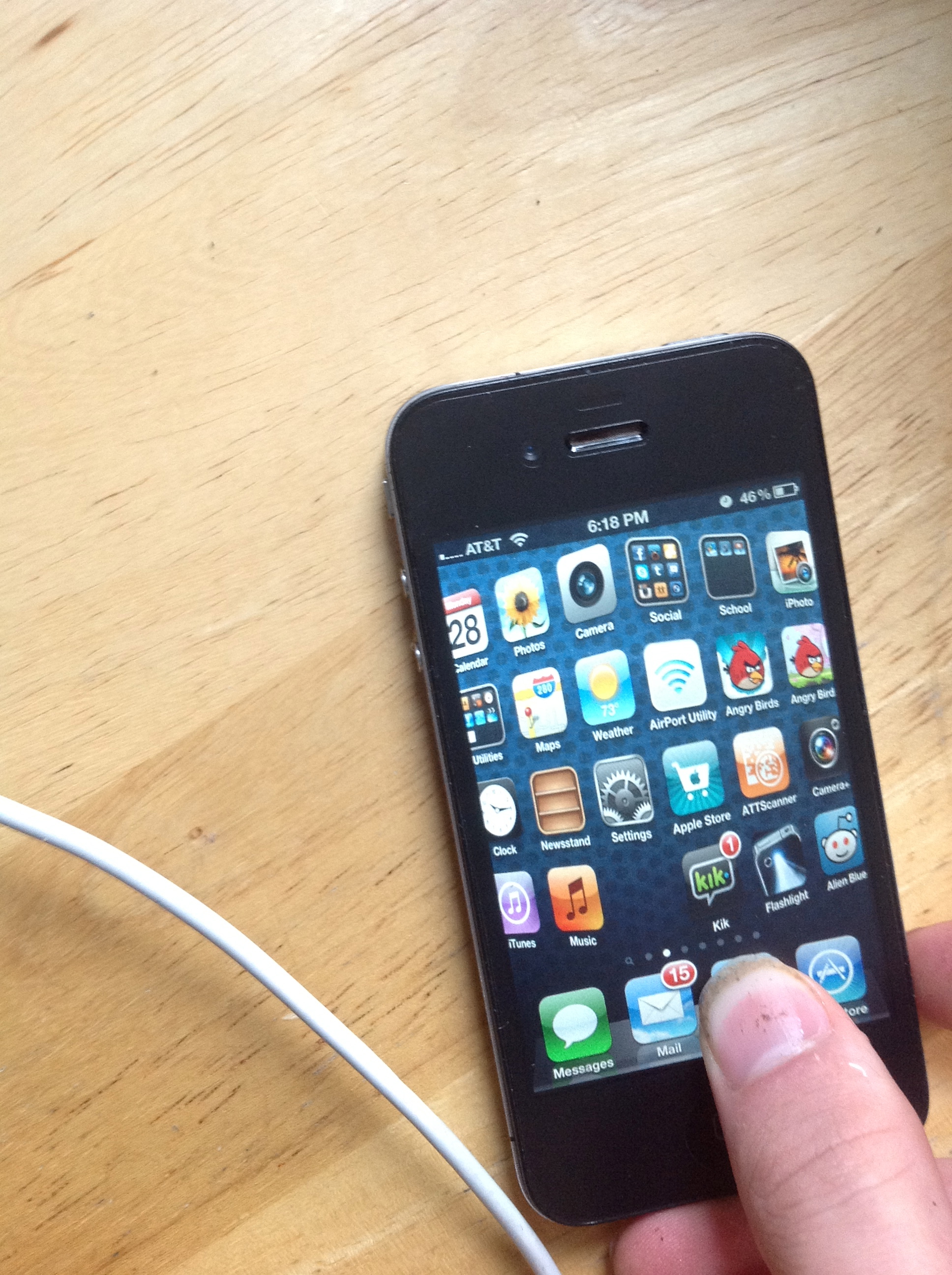
However the reason may surprise you. It isn’t the new maps because I am running an iPhone 4 that doesn’t get then. I have Siri on my iPad but that isn’t it either. It isn’t even the way the apps look a new blue with a status bar of many different colors. It’s the redesigned App and iTunes store!
Some of you are probably thinking in crazy but here’s why. I had the original 3G on 2.0 when the app store first made its debut into the world. However it has been like that from 2.0 to 5.1! However it has changed!
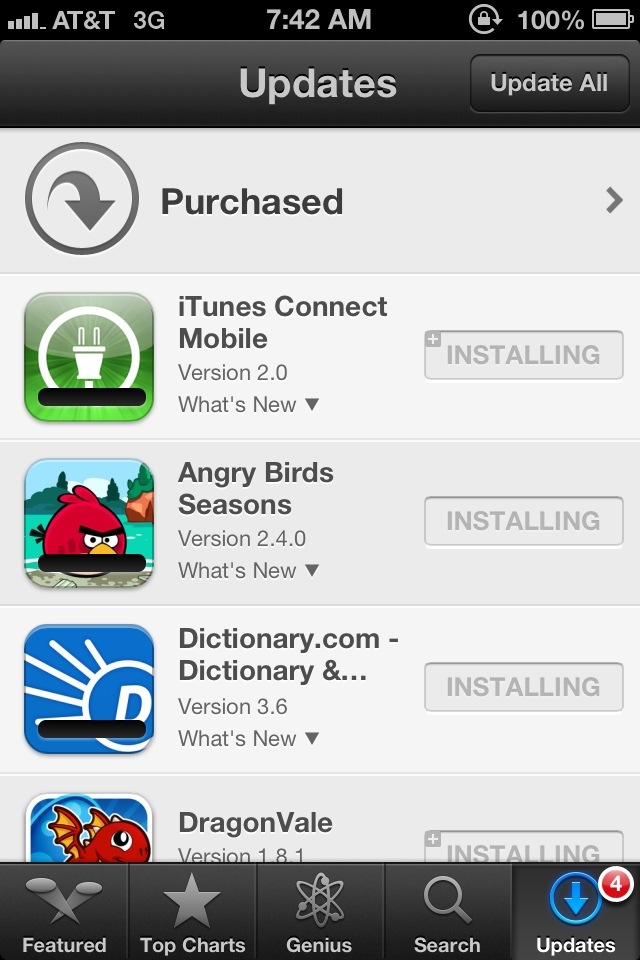
We all know the frustrating feeling when you are browsing for apps and you find one you like. You don’t even need to press the app section to download it anymore! Just hit the price and buy it. Also we know the feeling when we want more than one app but the app store brings you right back to the home screen. Bleh! No more! Now it will give you a little progress bar and will allow you continue to browse the store saving you some time. This is all available on the iPad too!
I love the design and the functionality in the new app store and iOS 6 in general.
I am going to be in a class while the announcement is happening today… However that isn’t going to stop me from bringing you what is going on in wwdc 2012! I will be tweeting or retweeting everything interesting on @apples_genius twitter feed. The widget is to the sidebar for updates and you can visit the twitter page as well! Enjoy!
WWDC is tomorrow morning for some and the afternoon for others. I am going to try and live blog the event tomorrow as best I can but before we go into all the rumors of what we are going to see I want to take some time and focus on the main thing I am excited about and that is iOS 6. A few days ago I said what I wanted to see from the jailbreak onto the actual operating system but this is going to be what I actually think is going to happen.
Revamped home screen
Let’s be honest the home screen of the iPhone is BORING! It has remained almost unchanged sense 2007. Actually I think the only thing that has changed is folders and being able to move apps around. I think it is time for widgets or themes. Not enough to kill the battery but maybe to see a new tweet, facebook, weather, news update, whatever. Or to customize your iOS device exactly how you want it. I think this is going to be a big thing for iOS 6.
Siri for iPad
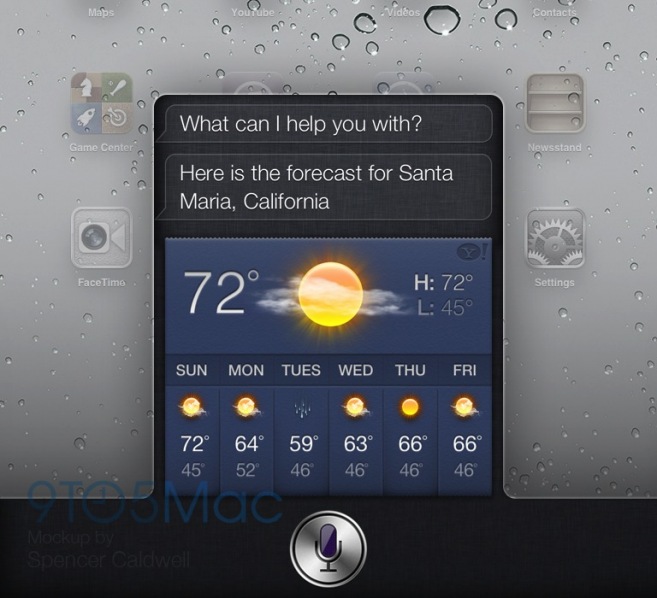
I posted this a few days ago I posted a rumor from 9to5mac and I honestly think it will happen. It seems like a right move as the new iPad has dictation and just needs the functionality. One of the reasons I don’t think they released this with the new iPad is because it is still in beta for the iPhone and I don’t think they had how it would look done yet. I do think we will see this tomorrow.
Maps with find my friends built in
Apple’s own 3D maps are going to be in the native maps application instead of google’s which is almost confirmed now, however what I want to see is the option for find my friends to be built right into the application so maybe more people would start using it.
Better Widgets
I think one thing iOS needs is widgets. I said in the revamped home screen something to tweet or post to facebook and see what is happening around you. We have 2 widgets now Stocks and Maps and they are BORING. Come on Apple give us some widgets!
Missing Apps For iPad
When the iPad was released I had noticed there were some apps missing. Today the weather,stocks, and clock app are still missing from the iPad. All of these could be added with the addition of widgets in iOS or there could be an App that could combine them all into one. Have a 3-4 grid (add something) and have weather in a corner, stocks in a corner, etc.
Quick Reply
I said this in my jailbreak post that the only reason I keep going back to the altered world of iPhones is because I hate getting pulled out of my apps to answer texts. We have the best Mobile OS of any phone or tablet out there it is time to let us reply from in apps.
Better multitasking
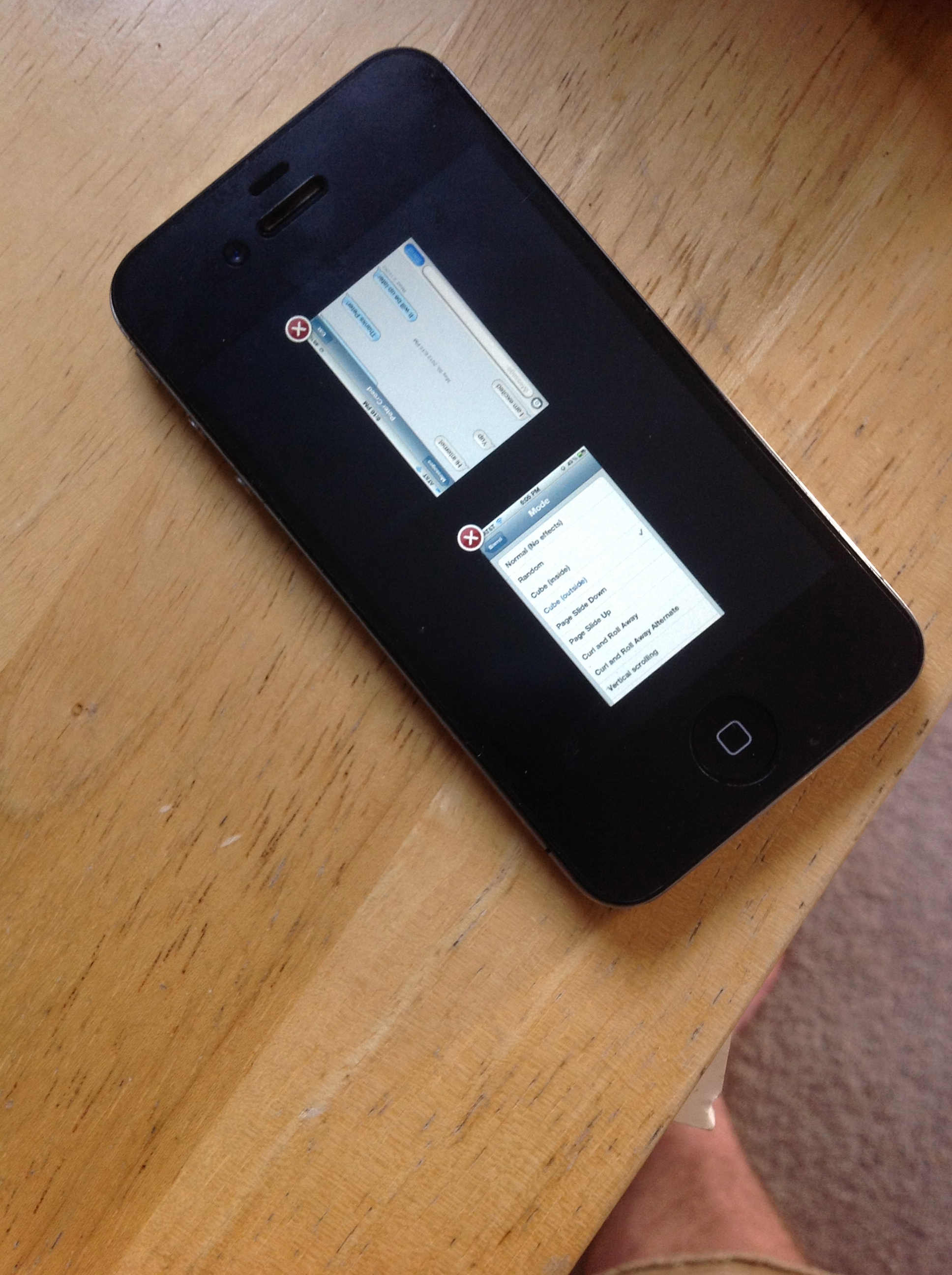
I don’t like the way iOS handles multitasking. Well I don’t like the grid. I would like to see a view where you can see a little preview of what is going on in every app running. Sort of like webOS. Make it happen.
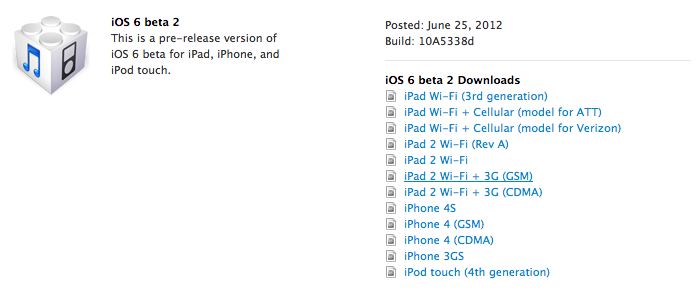
A post from the staff of Chinese forum weiPhone.com claims to share a host of official download links to Apple’s new iOS 6 software that is going to be announced tomorrow.
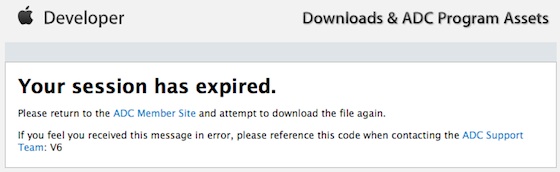
Accuracy of this is not really known. Whenever you click a link you will get to the developer “Your Session has expired” like this.
When iOS 5 was close to being announced there was a similar list of links which I don’t have.
If the links are accurate then the 1st generation iPad and 3rd Generation iPod touch are dropped, however the iPhone 3Gs is still supported which to me makes no sense whatsoever as the iPhone 3Gs has worse specs than both of those devices. Here is the fill list of links:
There is no way to tell if these links are accurate until tomorrow morning. I expect there would also be a new build of OSX Mountain Lion or even the full public release date to be t0morrow. We will see. I will have some new posts coming for iOS and more of the event expectations later.
When Apple released the new iPad many were disappointed there wasn’t Apple’s all cool siri voice assistant on the new spectacular device. There was probably a number of reasons for this. One of the main reasons probably was because Siri was very beta then and still is and just wasn’t ready for the iPad. There probably wasn’t a great way they thought of to bring it to the iPad. Some said it was because the microphone was too far away from the users mouth, however that isn’t valid at all as dictation made it to the iPad.
9to5mac however has herd from very reliable sources that you may be able to talk to your glimmering new device with the release of iOS 6 coming later in the year (or if you are a developer next Monday). Either way I will be trying my best to live blog the entire event Monday with all the features.
With absinthe being released and getting my jailbreak back with WWDC and iOS 6 around the corner I thought it would be cool to look at the features from Cydia that would make iOS 6 amazing! So let’s get started!
Messages+
This is how quick reply was meant to be. It is amazing. Just tap the banner and it will show up just like that. Also a gesture brings up the quick reply. It works flawlessly. I would love to see this in the next iOS.
Barrel
Barrel adds a variety of 3D page switching to your iPhone or iPad. I really like it! I would like to see some 3D page switching in the next iOS.
Expose Multitasking
One of the best things I have seen for jailbreaking my iPhone is for expose multitasking. Let’s face it the style the iPhone has now is old and isn’t as glamorous as Android. This is a way to see all of the apps running with a little snap shot of what is happening in the application instead of just the boring sort of icon layout they have now. I want to see this make it but if I had to chose I would want the quick reply for messages.
Remember when Facebook Bought Instagram? Many users ditched and some stayed. Actually I have been getting into it a little more because I like how I can share to all the major networks at once (facebook and Twitter). Facebook has today introduced it’s own instagram app called “Facebook Camera” and to be honest… It’s actually not as bad as you would expect. So let’s go in depth into the newest app from the Social Network giant!
First thing’s first is there really is no reason for this app. At all. They could have easily put all the features inside the Facebook App itself, and I don’t see why they don’t! Actually ALL of the Facebook apps could be integrated into 1 app! With that being set in let’s look at the good the bad and the ugly.
The Good
There is a lot of thing’s I like about this app. However some of it should have been basic for the Facebook app in general and not need a separate app. Actually again all of the apps should just be integrated.
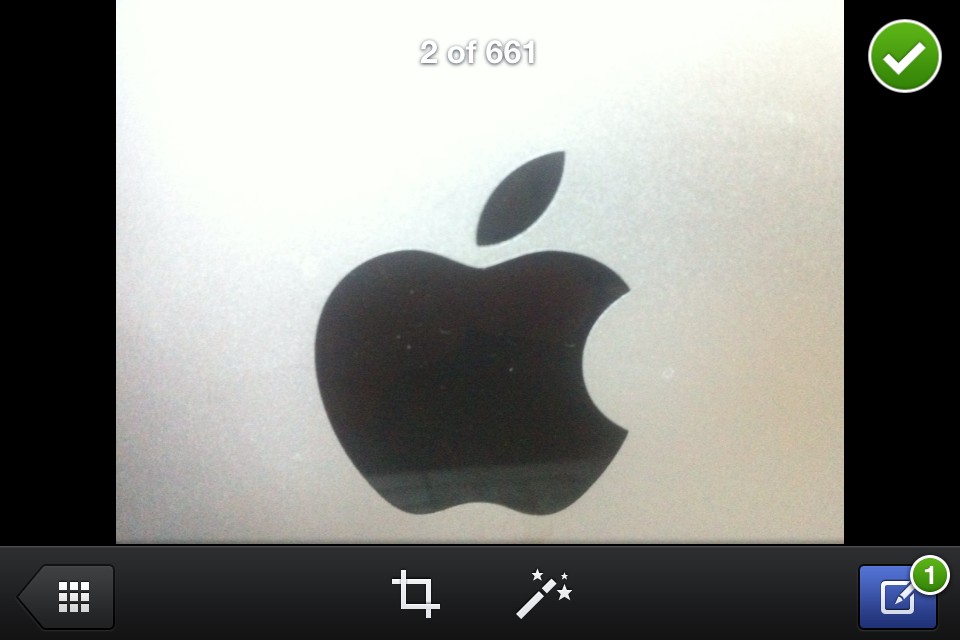
I really like the ability to upload multiple photos. I am not a big photo uploader to facebook but when I go on vacation and snap photos I want to upload them in a bunch not upload 1 at a time! Thankfully they have solved this problem! All you need to do is view a photo and press the little checkmark in the top right! Do that for multiple photos and then press the Compose button on the bottom right. You can also bring up the composer and press the plus for individual ones.
I will be completely honest in this. The effects are not nearly as good as the ones found in Instagram. However they will do. You have to add the effects individually for every photo you want to upload which makes sense. However you can not use blur effects or brightness effects but they might be saving this for another update.
As you can see the effects are similar to that of instagram minus the blur effects and brightness. As you can see from the side by side. Honestly thats the only good thing’s that I can think of right now.
The Bad
There is a ton of thing’s wrong with this app. Well not wrong just annoying little which will probably be fixed in a future generation of this app. One of the thing’s that annoys me the most is that you cannot choose what Album your photo’s will go to. It makes sense to allow people to upload photo’s to an album of there choosing to some but not to the maker(s) of this App. All your photo’s will upload to the Mobile Uploads section of your facebook.
Again it doesn’t make sense to me at all why they didn’t integrate this into the main facebook App which is one of the bad. Here is a note to developers: Not every feature has to have a separate app!
Blur effects are missing from the app and the effects don’t seem to really… Stand out as much as they did with instagram. Also there isn’t borders for it yet. If you think it is because of the sunlight in the image then check this one out.
The Smaller one is the instagram. I don’t know why it is so small. Sorry.
Conclusion
The app is fine. It works if you want it to. However it will never be able to replace the full instagram because it only shares to facebook. Right now it doesn’t even come close because it is missing some of the effects in instagram and basic functions that are in the Facebook mobile app. I don’t see this as an instagram killer… Only a want to be. I have included a video for you to watch to know more. However Facebook has a lot to learn from Instagram… They should use it to their advantage that they own it…









 uApps
uApps 