A Note on uTime for Mac and macOS Sierra

uTime App Icon

Back when uTime for OS X (now refered to as macOS) first came out I wrote about how iCloud syncing did not work with macOS Sierra. Shortly after this discovery I filed a bug report with Apple and now that the official release of Sierra is upon us and the feature is still broken I thought it was time for an update on the situation.

The problem is how uTime syncs arrays between devices. Without going into complex details the feature was noted by Apple as being broken and was being looked into. They did not fix it with the release of macOS Sierra which is very disappointing as it renders uTime useless if not being used alongside an iOS device.

However, with the second beta of macOS Sierra 10.12.1 the issue is fixed and iCloud syncs between devices yet again. What this means is that Apple has figured out the problem and the next update to macOS should solve the problem.

I appreciate the patience and I know this is a big problem but it is out of my control unless I want to change both the way the iOS app and macOS app work. If this problem wasn’t fixed with 10.12.1 then I would have probably start to have done.

Thank you for the patience and keep your eye out for macOS updates.

Download uTime for macOS


uTime 2 Now Available!

utime-icon-launch

With the arrival of iOS 10 tomorrow I thought it was time to step uTime up a notch! So I am very happy to announce that uTime 2 is now available on the iOS App Store!

One of the biggest things which you can find from this post is that the icon has changed a little bit. Of course it has our little stopwatch and name but the color has changed and it still is a perfect design.

However, if that was the only thing that came with version 2 than that would be a little disapointing so there are a lot of features baked into this update.

What’s New:
2 (Current):
-iOS 10 Support
-Today Widget! Now you can see how much time is left by using the today section of notification center! This keeps up to date with iCloud so everything is always up to date!
-If you have a device with 3D Touch Running iOS 10 if you force touch the uTime Icon on the home screen the widget will appear!
-Dark Mode: You can now select if you want UI Elements to be darker.
-Added animations to “change timer” sheet.
-Multiple timer deletion: You can now select multiple timers to delete all at once instead of having to swipe each one individually. Few!
-New Icon!
-Info Screen Text Improvements.

That’s right for the first time a uApps app has a widget for notification center (and if you’re running iOS 10 (which you should) on the homescreen itself).

The widget does allow you to move throughout iCloud timers and will be self updating with iCloud Timers.

I am so happy to be able to roll this out the same day iOS 10 launches and I hope all of you enjoy it.

Download uTime for iOS

uTime 1.1 Is Now Available!

uTime App Icon

uTime 1.1 is now available to download on the App Store for iPhone and iPad. uTime 1.1 adds some new features and fixes some things as well. The official changelog is:

Version 1.1:
– Added (s) to label to make it look better when there is a one in the countdown. 
- Made it so the label text will be based on the time remaining (or the count-up time too) (if 0 years then years won’t be shown)
– Made it so “Done” Keyboard Key will update the current timer name with the one just entered.
– Made it so when you add a new timer on iPad it immediately goes to the new timer.
– Made it so after adding new timer with “Add Timer” will immediately bring up the edit timer field.
– Made it so the name change field gives indication to what it actually is.
– Made it so the date picker will show the countdown date instead of the current date.
– Made it so the name field is cleared when changing the date.

– Fixed error with iPad in portrait cutting off the seconds.

uTime is available right now for free on the iOS App Store for devices running iOS 8 and newer. 

uTime Support Page, uTime Information Page 

uSurf 4.1 Now Available!

uSurf 4 iTunes

uSurf 4.1 is now being pushed to the App Store for your iOS Device. uSurf 4.1 fixes a lot of issues and adds some great new things, including adding back support for iOS 8! As you can see I have also changed the icon (and may make tweaks to the current but expect it to stay at that for now!) The official changelog below!

4.1 Changes:

  • Removed Snow (Time for some warm weather!)
  • Changed Icon (The old one wasn’t doing it for me)
  • Made it so when you add a bookmark the current URL Shows in the field
  • Adding a new tab will now bring you back to your homepage and show that you have added a tab.
  • Added share sheet to iPhone 4s/5(s)
  • Enough of the icons not being retina, I have made the icons higher quality (will be in split screen soon I promise)!
  • Added new sharing icons for Facebook and twitter.
  • Fixed issue on iPhone where back and forward gesture arrows wouldn’t show.
  • Fixed issue with changing the home page on iPhone
  • Fixed issue with auto-correct and adding a bookmark
  • UI Fixes and additions.
  • Added back support for iOS 8!

Of course I am always looking for suggestions and bugs to fix with the next version so use the contact sheet below, email me using the in app email, or leave a comment to leave me some feedback.

Happy Downloading!

Continue reading “uSurf 4.1 Now Available!”

Everything you need to know about the new iPhone 5!

;

;

The day has finally come with the new iPhone being announced. So I thought I would run down the most important aspects that make this phone the best iPhone yet.

Pre Orders and Launch
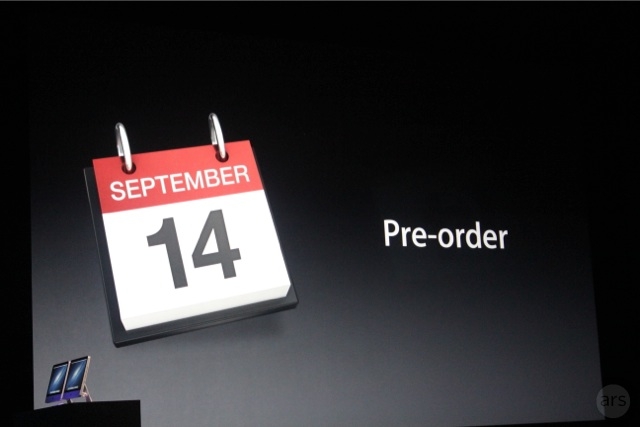
The new iPhone will not be available for pre order today (Sad Face) but they will be available for Pre Order on September 14th in the US and available in store 8AM. This will also be the date the Pre Orders arrive. There is no word on what time the Pre Orders will start but if history repeats itself (Which it is with Friday being the day!) then Pre orders will start at 3:45 PM Eastern or 12:45 Pacific.

The New Charger

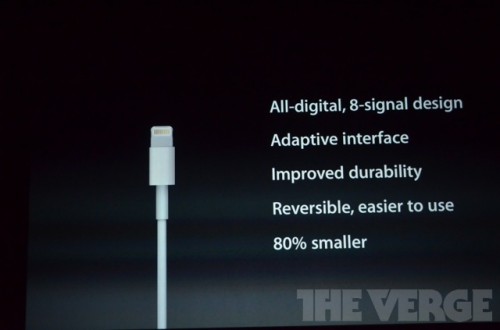
The new charger for me is actually one of the best things. For so long I have wished it was smaller. However I hard a little nerd freakout moment when they said that the connector works both ways. All of you know this feeling: When you are in the dark ready to charge your iPhone and then you can’t figure out which way the connector goes. No more! There of course will be an adaptor that looks ridiculous but can already bought on the online store!

The New Screen
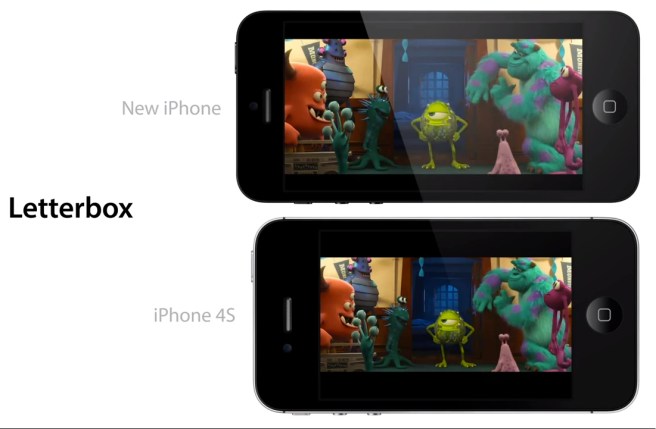
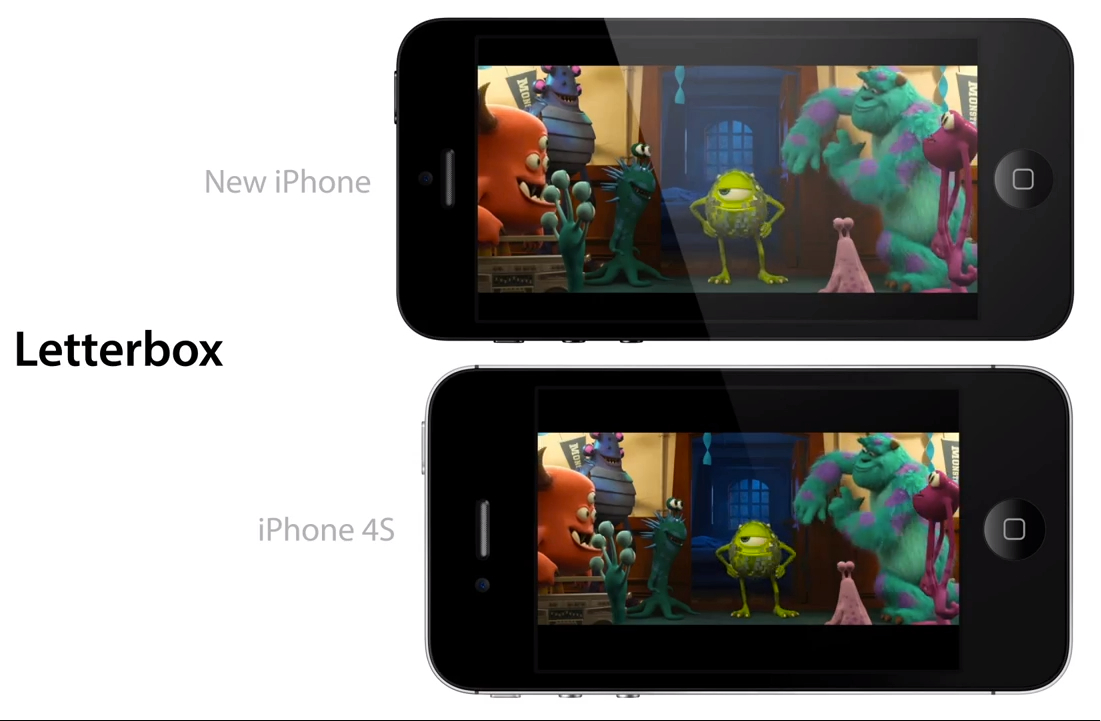
Of course we have known about this for a while but today it is official: The new iPhone for the first time ever will have a bigger screen then the ones in the past. if it seems pointless now that’s because it sort of is. However I have high hopes the next iOS(7) will take us away with the new screen!

A6
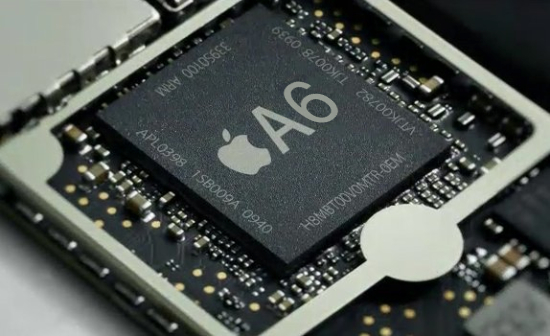
The new iPhone sports a brand new never before A6 processor. This chip will make your iPhone fly. I don’t know all the details but I am told that it is 2x faster than the iPad. Hopefully this is true

LTE

This one was not really a surprise for me because the iPad had it. However now the iPhone is able to connect to LTE on Verizon, AT&T, and Sprint. Sorry T-Mobile USA you will not have the iPhone unless you get one unlocked.

Earpods
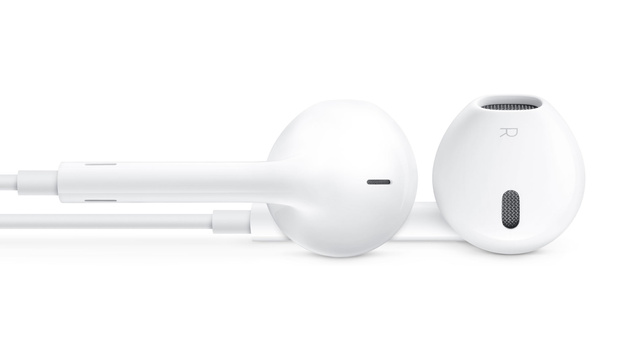
;

The new headphones that will come with the iPhone 5 are designed specifically for your ear without suction. I have hope they will be decent.

Design

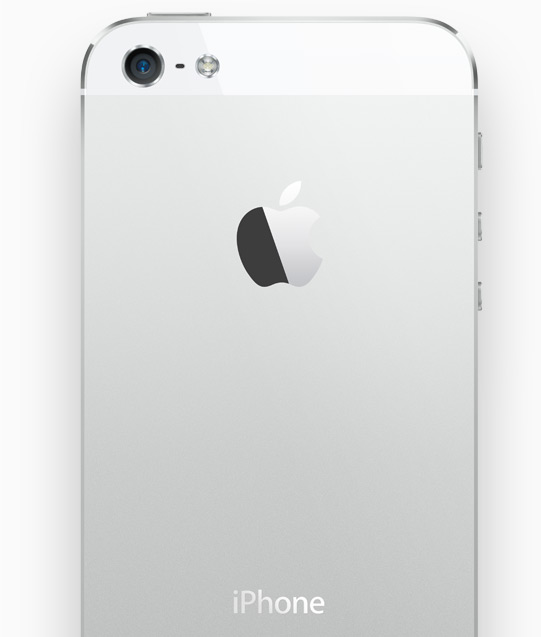
Finally we are at the design. They say they have an entire new design for the phone but that’s not true. It has the same form factor as the 4 did but the screen and sides and back are all different. The back will be Slate and Black for the Black Model and Silver and White for the white model.The sides will be aluminum and will match the color of the aluminum on the back.

Remember that the phone has the same price point and same storage models.

New iPad Mini mockups show possible design

This slideshow requires JavaScript.


Ahead of Apple’s special october event to show off the “iPad Mini” reports are coming out showing what the device could like like. The images appear to be close to the iPad Mini design information we have been hearing. Note that the dock is the new 9-pin connector we have been seeing on iPhone mockups. The device shows little bezel around the right and left of the screen. However I still see the iPad mini as pointless it could be a good idea for someone who would want a small e-reader.

The iPad mini is rumored to be 7 inches and to be announced at it’s own event in October. The device is rumored to take rumored characteristics from the New iPhone which is rumored to be announced September 12th and go on sale September 21st.

[Apple.pro, Giga.de]

Video Shows Rumored Next iPhone in White: It’s Beautiful


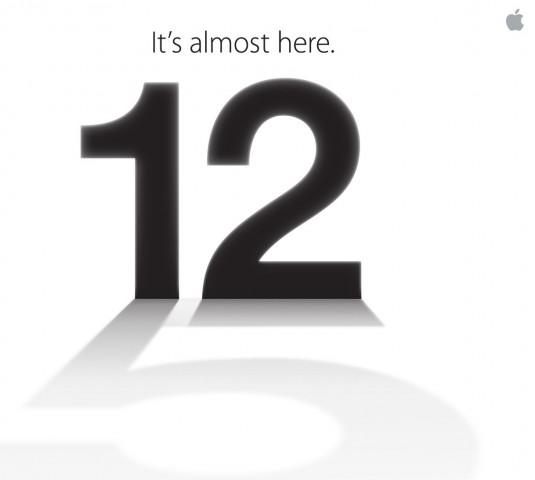
As September 12th approaches quicker and quicker rumors, fakes, videos, pictures, and even more are coming alive. We have even started the countdown to the rumored date of the announcement and I am working to make sure that you get the information as it happens. To start the day we have a video of the Rumored Next iPhone in white fully assembled and all I can say is the device looks beautiful.  People I know are very anxious for the new phone myself included. The fact that we have not seen a new iOS 6 build in 4+ weeks (normal is 2-3) supports the GM is ready to go.

 Hit our iPhone 5 category for everything you need to know about the rumored iPhone.

[GSMIsreal]