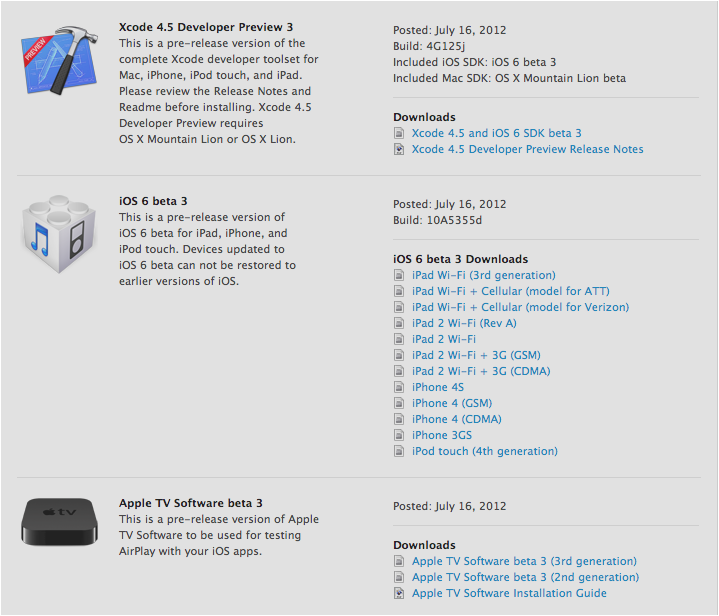
Im a little late on this yes but I just got to my laptop. Beta 3 is available for all devs so go get it if you haven’t. Available over the air or from the developer portal.
uApps Updates and Information
Im a little late on this yes but I just got to my laptop. Beta 3 is available for all devs so go get it if you haven’t. Available over the air or from the developer portal.
Tiny wings 2.0 is now available to download in the App Store! The update includes 15 new hand crafted levels and a new game mode called “Flight School.” The game is free if you already paid for Tiny Wings 1.0 and is available to download now! Link Below!
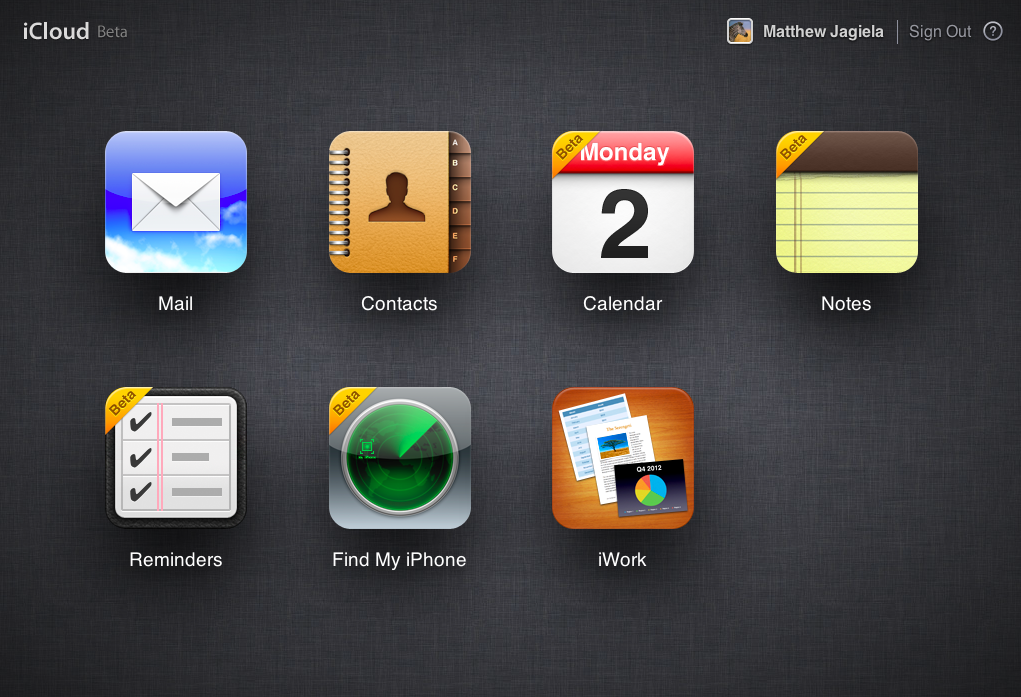
Today Apple launched a beta site for iCloud.com where developers can test the new web features. The new features include Calendar improvements, the addition of notes and reminders, and improvements to the Find my iPhone application. To be able to get in you must have an iOS iCloud account running on iOS 6 beta or I believe an iCloud account running on OS X Mountain Lion. If you have an iCloud account with those then head to beta.icloud.com and sign in!
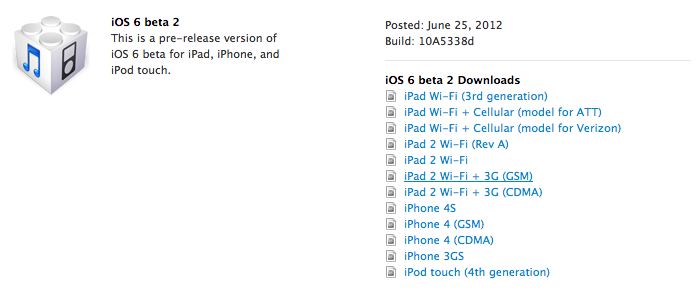
Yesterday (yes I am late) Apple released iOS 6 beta 2 for members of the iOS developer portal. The update contains bug fixes, more bugs added, and some new features which I will add later. To download and install you must be part of the developer portal. You can either download the software from Apple’s Developer Portal or if you are running iOS 6 already go to Settings>General>Software Update> Download. The Gears should spin inside the settings app but no the home screen icon stays still. So go and get it if you haven’t yet!
Yes I know iOS 6 is in beta and I know it is only the first beta but I thought I would share some bugs with you that I have found so if you are running the beta you will know that I have found them as well. So let’s get started
If you have found any other bugs please leave a comment below saying the bug and what device you are running or use the form below.
I am going to be in a class while the announcement is happening today… However that isn’t going to stop me from bringing you what is going on in wwdc 2012! I will be tweeting or retweeting everything interesting on @apples_genius twitter feed. The widget is to the sidebar for updates and you can visit the twitter page as well! Enjoy!
WWDC is tomorrow morning for some and the afternoon for others. I am going to try and live blog the event tomorrow as best I can but before we go into all the rumors of what we are going to see I want to take some time and focus on the main thing I am excited about and that is iOS 6. A few days ago I said what I wanted to see from the jailbreak onto the actual operating system but this is going to be what I actually think is going to happen.
Revamped home screen
Let’s be honest the home screen of the iPhone is BORING! It has remained almost unchanged sense 2007. Actually I think the only thing that has changed is folders and being able to move apps around. I think it is time for widgets or themes. Not enough to kill the battery but maybe to see a new tweet, facebook, weather, news update, whatever. Or to customize your iOS device exactly how you want it. I think this is going to be a big thing for iOS 6.
Siri for iPad
I posted this a few days ago I posted a rumor from 9to5mac and I honestly think it will happen. It seems like a right move as the new iPad has dictation and just needs the functionality. One of the reasons I don’t think they released this with the new iPad is because it is still in beta for the iPhone and I don’t think they had how it would look done yet. I do think we will see this tomorrow.
Maps with find my friends built in
Apple’s own 3D maps are going to be in the native maps application instead of google’s which is almost confirmed now, however what I want to see is the option for find my friends to be built right into the application so maybe more people would start using it.
Better Widgets
I think one thing iOS needs is widgets. I said in the revamped home screen something to tweet or post to facebook and see what is happening around you. We have 2 widgets now Stocks and Maps and they are BORING. Come on Apple give us some widgets!
Missing Apps For iPad
When the iPad was released I had noticed there were some apps missing. Today the weather,stocks, and clock app are still missing from the iPad. All of these could be added with the addition of widgets in iOS or there could be an App that could combine them all into one. Have a 3-4 grid (add something) and have weather in a corner, stocks in a corner, etc.
Quick Reply
I said this in my jailbreak post that the only reason I keep going back to the altered world of iPhones is because I hate getting pulled out of my apps to answer texts. We have the best Mobile OS of any phone or tablet out there it is time to let us reply from in apps.
Better multitasking
I don’t like the way iOS handles multitasking. Well I don’t like the grid. I would like to see a view where you can see a little preview of what is going on in every app running. Sort of like webOS. Make it happen.
A post from the staff of Chinese forum weiPhone.com claims to share a host of official download links to Apple’s new iOS 6 software that is going to be announced tomorrow.
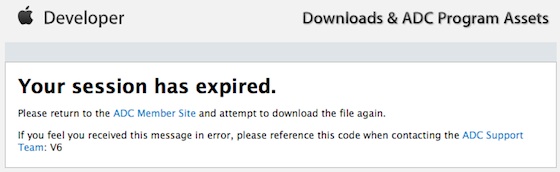
Accuracy of this is not really known. Whenever you click a link you will get to the developer “Your Session has expired” like this.
When iOS 5 was close to being announced there was a similar list of links which I don’t have.
If the links are accurate then the 1st generation iPad and 3rd Generation iPod touch are dropped, however the iPhone 3Gs is still supported which to me makes no sense whatsoever as the iPhone 3Gs has worse specs than both of those devices. Here is the fill list of links:
Third-generation iPad
– Consumer: Wi-Fi, Wi-Fi + Cellular (GSM), WiFi + Cellular (CDMA)
– Enterprise: Wi-Fi, WiFi + Cellular (GSM), WiFi + Cellular (CDMA)
iPad 2
– Consumer: Wi-Fi, WiFi + 3G (GSM), WiFi + 3G (CDMA), Revised Wi-Fi
– Enterprise: Wi-Fi, WiFi + 3G (GSM), WiFi + 3G (CDMA), Revised Wi-Fi
iPhone
– Consumer: 4S, 4 (GSM), 4 (CDMA), 3GS
– Enterprise: 4S, 4 (GSM), 4 (CDMA), 3GS
iPod touch
– Consumer: 4th Generation
– Enterprise: 4th Generation
Apple TV
– Consumer: 2nd Generation, 3rd Generation
Other iOS
– iOS 6 Beta Guide (PDF)
– Installing Apple TV Software (PDF)
Safari 6
– Consumer: – Safari 6 Developer Preview for Lion, Uninstaller
There is no way to tell if these links are accurate until tomorrow morning. I expect there would also be a new build of OSX Mountain Lion or even the full public release date to be t0morrow. We will see. I will have some new posts coming for iOS and more of the event expectations later.

With absinthe being released and getting my jailbreak back with WWDC and iOS 6 around the corner I thought it would be cool to look at the features from Cydia that would make iOS 6 amazing! So let’s get started!

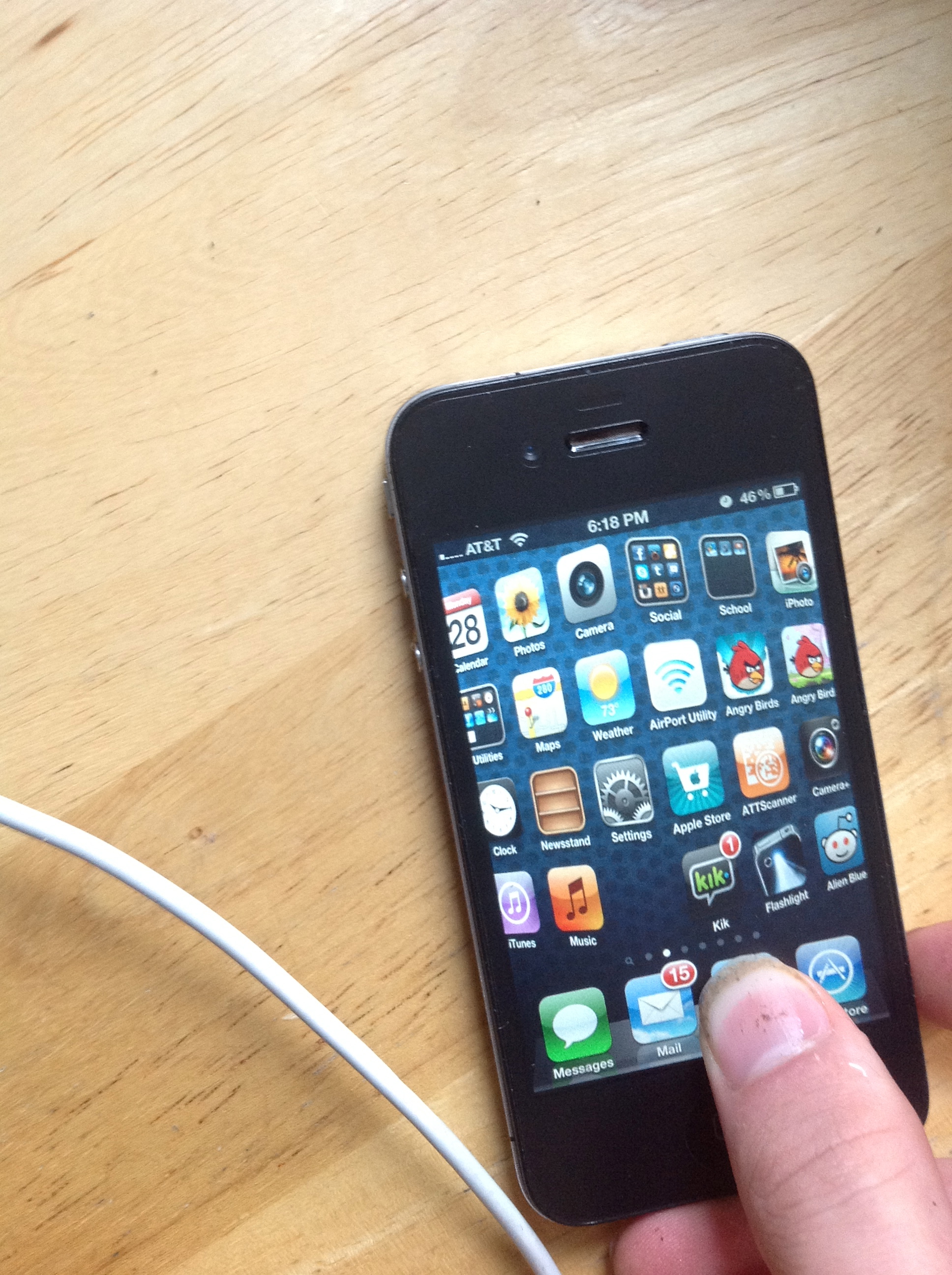
This is how quick reply was meant to be. It is amazing. Just tap the banner and it will show up just like that. Also a gesture brings up the quick reply. It works flawlessly. I would love to see this in the next iOS.
Barrel adds a variety of 3D page switching to your iPhone or iPad. I really like it! I would like to see some 3D page switching in the next iOS.
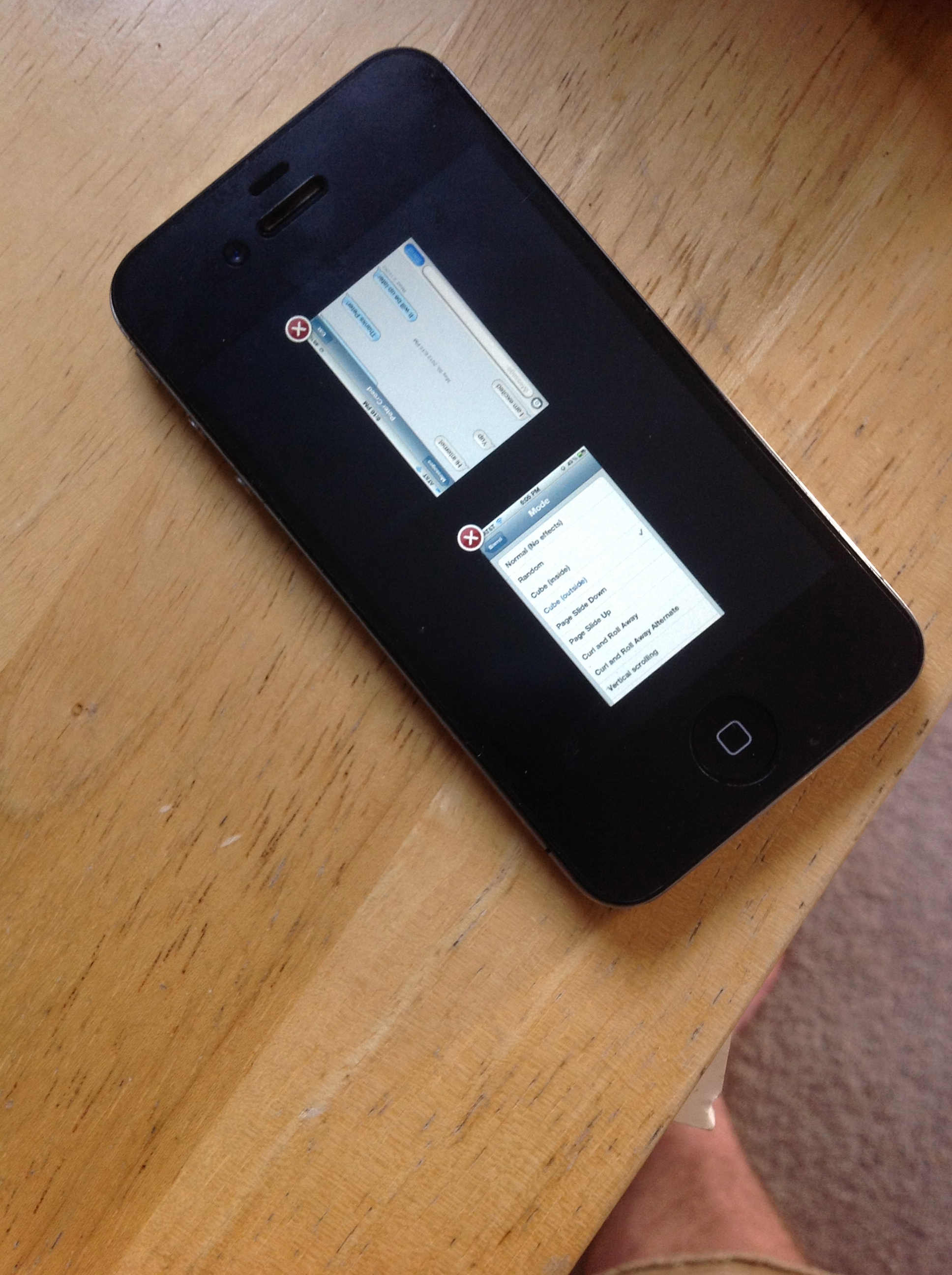
One of the best things I have seen for jailbreaking my iPhone is for expose multitasking. Let’s face it the style the iPhone has now is old and isn’t as glamorous as Android. This is a way to see all of the apps running with a little snap shot of what is happening in the application instead of just the boring sort of icon layout they have now. I want to see this make it but if I had to chose I would want the quick reply for messages.

Apple could be ready to ditch the 30 pin dock connecter it uses in all of it’s iOS devices. This would make some room for better hardware.
An Updated “micro dock” could make room for bigger batteries, 4G radios, and other components far more important to the iPhone and iPad in a PC free world.
Apple has made some components in their iPhones smaller for thinner designs. Like the micro sim to make a thin design for the iPhone 4 for more hardware improvements and a thinner design. Could we see a smaller dock connecter or even better wireless charging? This could be a problem for some people and case makers as all cases for these products are based around the 30 pin dock connecter.
This comes from popular rumor site iMore.com which has great iOS news and rumors. They are what we are basing the iPad 3 launch date off of. March 9th.
[iMore]
 uApps
uApps 