uTime 3 for iOS Now Available

main_icon

After all of the WWDC fun from yesterday I introduced uTime 3 for iOS. I am very happy to announce that right now uTime 3 is officially available to download on the iOS App Store.

To get an in depth view of some of the changes look at the post below or follow this link to learn more about uTime 3.

The official uTime 3 changelog is massive and here it is:

3.0 The Massive Update:

iPhone:

  • Added a new screen: Modifications. Now modifications are done in it’s own view that will slide in. It will display the name and the current target time of your timer and allow you to change it.
  • The timer screen has been redesigned. It now has larger text and will allow you to see the maximum amount of time remaining on the target timer

iPad:

  • Home screen: The entire home screen has been redone. There is now the list of all your timers on the side bar along with the maximum amount of time remaining.
  • Modification Screen: Instead of presenting an entire screen a popup view will appear and you can modify the timer and save just by dismissing the controller (by tapping anywhere on screen). The size of the popup does not cover the current timer information so you know what you are modifying.
  • Web Support Is Now In It’s Own View Instead Of A Popup In The Info View

Both:

  • Notifications: Instead of a popup alert displaying when the timer fire date is finished a generic iOS banner will appear.
  • Added the ability to share the timer with various apps using share sheet. This will share the name of the timer and the maximum amount of time there is left.
  • Changed the background images
  • Support now opens in a WebKit view meaning there is a progress bar to show you the accurate loading % of the webpage.
  • Swift: The entire app was rewritten in swift which is why it took so long.
  • iOS 11: Due to the nature of the app and the newer API’s at the moment uTime 3 is iOS 11+ only.

Even though uTime 3 is 11+ only iOS 10 and below users may still download uTime 2 from the App Store.

uTime 3 is massive for iOS and I hope all of you enjoy it. As always updates will be coming throughout and due to how I set up uTime 3 they will be coming much quicker!

Download uTime 3 on the iOS App Store

View uTime 3 Launch Info

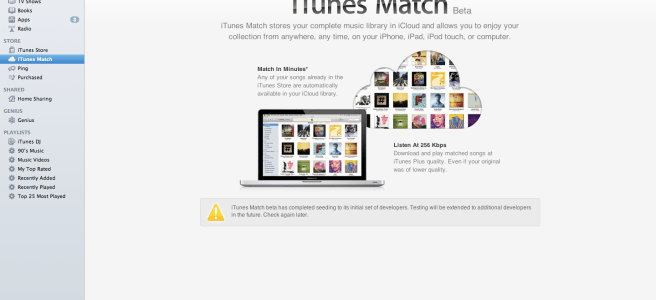
Apple releases iTunes 10.5.1 iTunes Match Launch today?

Today Apple has released iTunes 10.5.1  (Download link) to everyone. Yesterday Apple cleared out the developers iTunes match for what is the 4th time for developers and it seems today could be the day where everyone gets the service. iTunes match is the service for $25 a year allowing music to be stored in iCloud that isn’t downloaded from the iTunes store and through Music Files and CD’s (if anyone still uses CD’s) and pushes them to all your iCloud enabled devices. So will you use this service or is it just another thing to say “is useful but not for me”?

How to enable wifi sync in iOS 5 [Tips]

I want to start doing some tips for the new iOS 5 software as some people might not know how to use it as well as they can and can’t take advantage of what they can do! So today’s tip is how to sync over a wifi connection using iTunes 10.5 and iOS 5.

1. Plug in your iOS device into your computer

2. Select your iOS device in the sidebar in iTunes

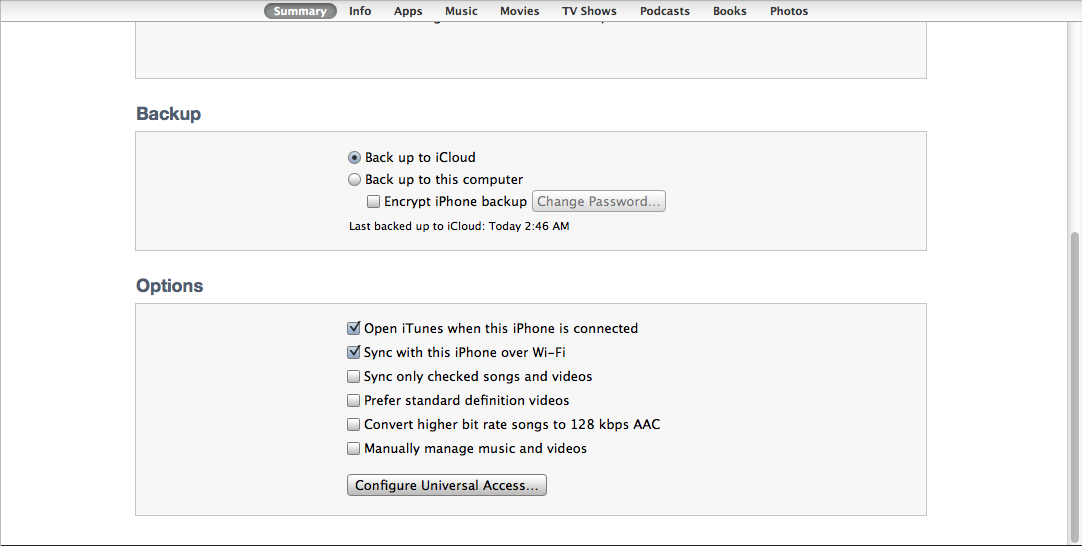
3. In the check boxes in the summary pan select Sync Over Wifi.

4. Make sure your phone and computer are both on the same wifi network.

5.In iTunes either hit sync or just plug your iPhone into it’s charger at night (make sure your computer isn’t asleep or it WON’T sync)

So there you go! How to make it so you can sync automatically with iTunes when your asleep or over wifi in general.

Getting iOS 5 tomorrow? You’ll need this!

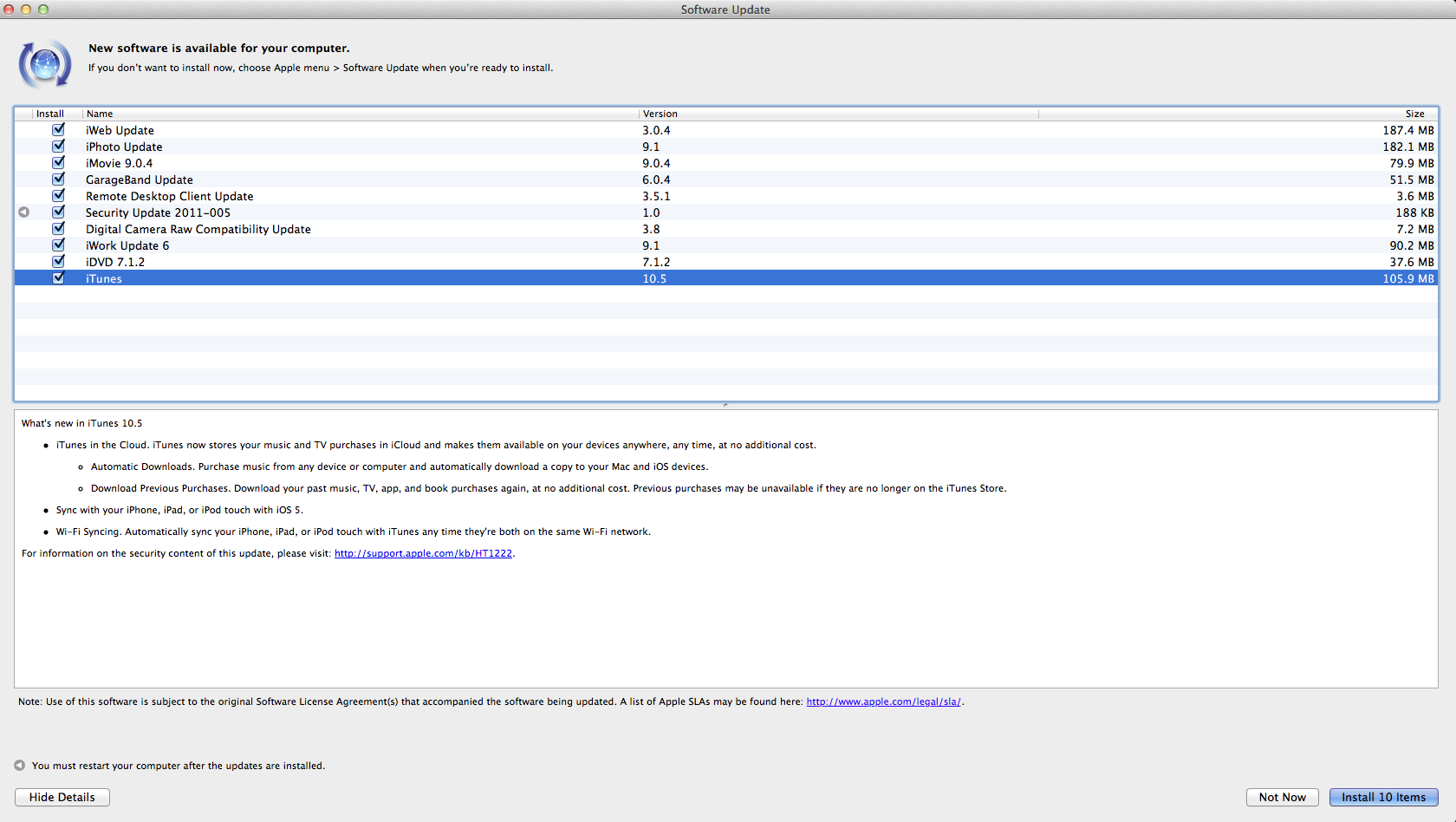
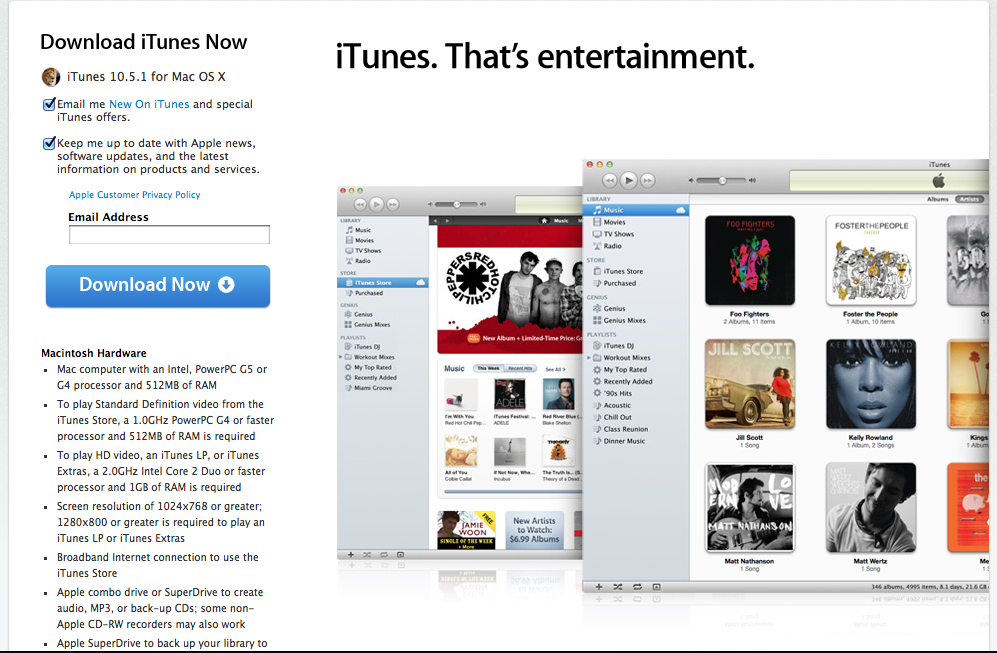
If you are one of the people who want iOS 5 tomorrow you will need iTunes 10.5 that Apple has given to the public today! iTunes 10.5 allows you to sync wirelessly with any iOS 5 device connected to the same network along with some other goodies but most importantly you NEED it to update to iOS 5. You can open software update on your mac to get iTunes by hitting the Apple in the top left and software update and for everyone else you can go to http://www.apple.com/itunes/download My iOS 5 review will be updated with cards and Find my Friends Tomorrow!

Mac OS X and iTunes might get iCloud Tuesday

Well here is something that might make mac users really happy. It seems that Apple is planning on releasing iTunes with iCloud and Mac OS X 10.7.2 with iCloud support on Tuesday a day ahead of the iOS 5 with iCloud support launch. This would make sense as developers need the beta of iTunes with iCloud to install iOS 5 on their devices so why wouldn’t Apple make it the same way with a public release of iTunes to install the public release of iOS 5. I was expecting to see Mac 10.7.2 on Wednesday perhaps Apple doesn’t want their server’s to overloaded.


What to expect from Tuesdays event

All of these things are making me completely insane. iPhone 5 or not? Well up to this point anyways I had believed there would be a new iPhone 5 that would be completely redesigned. Now it seems those chances are slimming day by day. I still believe Apple is messing with all of our heads like they did with the original iPhone before it was announced. After all this has been the longest time between iPhone models but that doesn’t mean they have spent the time redesigning the iPhone. Remember the iPhone 3Gs looked EXACTLY like the iPhone 3G just with bumped internals. Remember the iPhone 4 has a great design one that I personally love and it wouldn’t be the worst thing to keep the same design. Yes we have seen some proof of the iPhone 5 leaked cases, leaked websites with it, and even inventory and case arrivals at AT&T but nothing in iTunes. I honestly thing Apple is messing with us and we will see an iPhone 5 and the iPhone 4s is just a place holder in iTunes with the CDMA iPhone look to keep people from knowing the truth and the iPhone 4 will be the low budget model. Either way don’t expect the iPhone 5 on tuesday because if it doesn’t happen… You’ll be disappointed.

Developers Can you Subscribe to iTunes Match?


Apple today has extended the number of Developers to subscribe to iTunes match the service which allows people to store imported MP3’s on iCloud and push them to all your devices. Now currently you have to be a developer to take part of this service and you have to currently be an Apple developer with iTunes 10.5 beta 8. Just hit the iTunes match and there will be a subscribe button. Yes you do have to pay the $25 a year when you subscribe and this is a United States only service. Let me know how it is in the comments or on twitter (@matthewjagiela)!

Apple Releases iTunes 10.5 beta 8 iWork beta 3 for developers

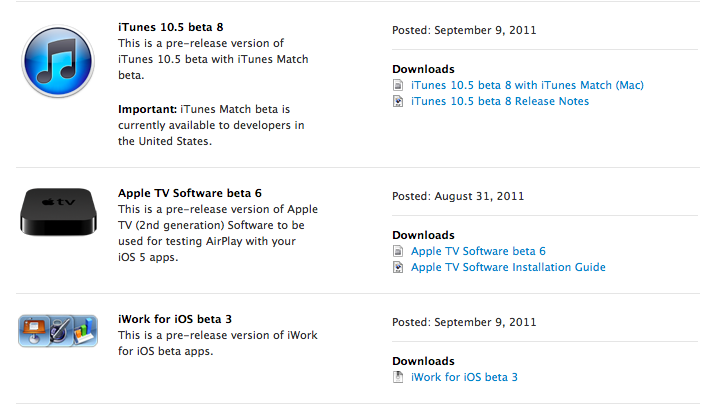
Today on this fine Friday Apple has blessed all of us developers with iTunes 10.5 beta 8 which will allow all of us developers to use iTunes Match the service that allows your imported mp3’s to iCloud and downloads them on all devices. Also Apple has released iWork for iOS beta 3 allowing you to take control of automatically uploading documents to iCloud and accessing them on iCloud.com or vise versa. Release notes after the break!

Continue reading “Apple Releases iTunes 10.5 beta 8 iWork beta 3 for developers”

How to downgrade FaceBook for iPhone [Tips]

If you use the FaceBook for iPhone app a lot like me you will want to stay away from the new update for the FaceBook for iPhone app. Now you see Facebook for iPhone has a reputation for being one of the buggiest apps in the app store… This update takes it to a new level. You see they say bug fixes but it adds so many more the app can actually crash your phone. I haven’t been able to use it for more than a few seconds before it either freezes or crashes. Now if you are lucky you might be able to downgrade to the old USABLE version. It might be buggy but at least it works and to find out how to do this follow me after the break!

Continue reading “How to downgrade FaceBook for iPhone [Tips]”

Apple Releases iTunes match for developers.

20110830-121613.jpg

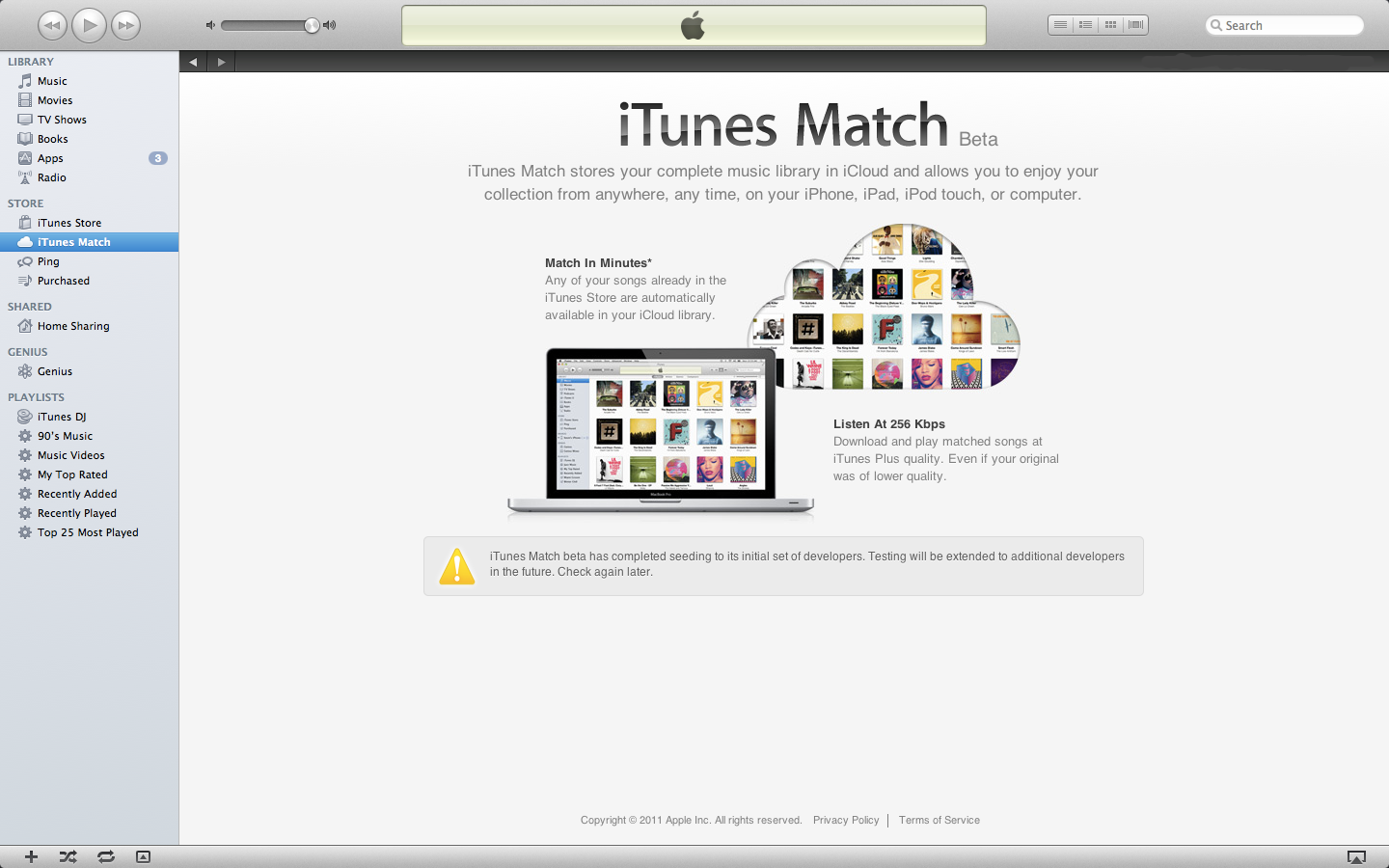
It seems today Apple has released iTunes match. iTunes match is what will take your entire music library and store it on iCloud instead of just your iTunes store bought items. iTunes match is free for developer testing and developers will get a three month extended trial membership if they purchase the service for $24.99 when it is released. Release notes:

iTunes Match stores your complete music library in iCloud, allowing you to enjoy your collection anywhere, anytime, on any iPhone, iPad, iPod touch, or computer. iTunes Match beta is currently available to developers in the United States. Beta subscribers will receive iTunes Match service during the beta period plus an additional 3 months for free with their 12 month paid subscription.
To get started with iTunes Match, download the current version of iOS 5 beta and iTunes 10.5 beta 6.1 with iTunes Match. Once installed, choose Turn On iTunes Match from the Store menu, and click “Subscribe for $24.99.”
Please note that you must maintain a local backup of your iTunes library as well as any music you add to iCloud. Apple will periodically reset your iCloud library during the beta and it is critical that you backup your music regularly. Some features and optimizations of iTunes Match will not be available during the beta.

This is a great way for Apple to compete with amazon and google for their music locker services.
[Apple Developer Portal]