Apple Releases iOS 6 beta 2 to developers

Yesterday (yes I am late) Apple released iOS 6 beta 2 for members of the iOS developer portal. The update contains bug fixes, more bugs added, and some new features which I will add later. To download and install you must be part of the developer portal. You can either download the software from Apple’s Developer Portal  or if you are running iOS 6 already go to Settings>General>Software Update> Download. The Gears should spin inside the settings app but no the home screen icon stays still. So go and get it if you haven’t yet!

iOS 6 bugs I have found in Beta 1(UPDATED)

Yes I know iOS 6 is in beta and I know it is only the first beta but I thought I would share some bugs with you that I have found so if you are running the beta you will know that I have found them as well. So let’s get started

iPhone 4

  • Safari lags when trying to change orientation to full screen landscape or will quit entirely.
  • iCloud backup will ask you for a password. Even with the right password it will keep asking
  • Purchased for Apps and Music don’t work in iOS 6
  • Apps will not install over 3G. Apps will get to “Installing” and then an error message will appear.
  • Constant Freezing.
  • (Update)When selecting messages or FaceTime in settings entire phone freezes (Thanks Jonathan!)
  • (Update)Keyboard clicks don’t always happen

The New iPad

  • Siri will post to facebook but has an error posting to twitter.
  • Turn by Turn directions doesn’t say directions when locked (Might be smart cover problem)
  • NEEDS MORE 3D buildings.
  • Purchased apps and music section doesn’t work
  • When selecting certain music to sync in iTunes the entire library will delete… Pain for quick sync and go
  • (Update) Keyboard clicks don’t always happen.

Apple TV (2nd Gen)

  • Audio will not play through airplay
  • When using airplay the entire screen will be black
  • Will disappear from Airplay List

More

If you have found any other bugs please leave a comment below saying the bug and what device you are running or use the form below.


What I would like to see in iOS 6

WWDC is tomorrow morning for some and the afternoon for others. I am going to try and live blog the event tomorrow as best I can but before we go into all the rumors of what we are going to see I want to take some time and focus on the main thing I am excited about and that is iOS 6. A few days ago I said what I wanted to see from the jailbreak onto the actual operating system but this is going to be what I actually think is going to happen.

Revamped home screen

Let’s be honest the home screen of the iPhone is BORING! It has remained almost unchanged sense 2007. Actually I think the only thing that has changed is folders and being able to move apps around. I think it is time for widgets or themes. Not enough to kill the battery but maybe to see a new tweet, facebook, weather, news update, whatever. Or to customize your iOS device exactly how you want it. I think this is going to be a big thing for iOS 6.

Siri for iPad

I posted this a few days ago I posted a rumor from 9to5mac and I honestly think it will happen. It seems like a right move as the new iPad has dictation and just needs the functionality. One of the reasons I don’t think they released this with the new iPad is because it is still in beta for the iPhone and I don’t think they had how it would look done yet. I do think we will see this tomorrow.

Maps with find my friends built in

Apple’s own 3D maps are going to be in the native maps application instead of google’s which is almost confirmed now, however what I want to see is the option for find my friends to be built right into the application so maybe more people would start using it.


Better Widgets

I think one thing iOS needs is widgets. I said in the revamped home screen something to tweet or post to facebook and see what is happening around you. We have 2 widgets now Stocks and Maps and they are BORING. Come on Apple give us some widgets!

Missing Apps For iPad

When the iPad was released I had noticed there were some apps missing. Today the weather,stocks, and clock app are still missing from the iPad. All of these could be added with the addition of widgets in iOS or there could be an App that could combine them all into one. Have a 3-4 grid (add something) and have weather in a corner, stocks in a corner, etc.

Quick Reply

I said this in my jailbreak post that the only reason I keep going back to the altered world of iPhones is because I hate getting pulled out of my apps to answer texts. We have the best Mobile OS of any phone or tablet out there it is time to let us reply from in apps.

Better multitasking

I don’t like the way iOS handles multitasking. Well I don’t like the grid. I would like to see a view where you can see a little preview of what is going on in every app running. Sort of like webOS. Make it happen.
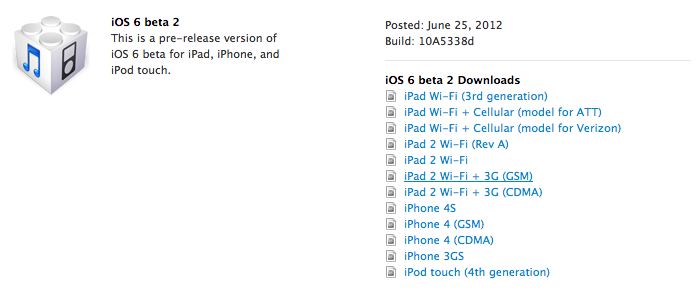
Apple to release iOS 6 Beta Build 10A5316K Tomorrow

A post from the staff of Chinese forum weiPhone.com claims to share a host of official download links to Apple’s new iOS 6 software that is going to be announced tomorrow.

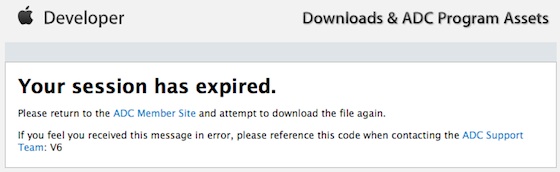
Accuracy of this is not really known. Whenever you click a link you will get to the developer “Your Session has expired” like this.

When iOS 5 was close to being announced there was a similar list of links which I don’t have.

If the links are accurate then the 1st generation iPad and 3rd Generation iPod touch are dropped, however the iPhone 3Gs is still supported which to me makes no sense whatsoever as the iPhone 3Gs has worse specs than both of those devices. Here is the fill list of links:

Third-generation iPad
– Consumer: Wi-FiWi-Fi + Cellular (GSM)WiFi + Cellular (CDMA)
– Enterprise: Wi-FiWiFi + Cellular (GSM)WiFi + Cellular (CDMA)

iPad 2
– Consumer: Wi-FiWiFi + 3G (GSM)WiFi + 3G (CDMA)Revised Wi-Fi
– Enterprise: Wi-FiWiFi + 3G (GSM)WiFi + 3G (CDMA)Revised Wi-Fi

iPhone
– Consumer: 4S4 (GSM)4 (CDMA)3GS
– Enterprise: 4S4 (GSM)4 (CDMA)3GS

iPod touch
– Consumer: 4th Generation
– Enterprise: 4th Generation

Apple TV
– Consumer: 2nd Generation3rd Generation

Other iOS
– iOS 6 Beta Guide (PDF)
– Installing Apple TV Software (PDF)

Safari 6
– Consumer: – Safari 6 Developer Preview for LionUninstaller

There is no way to tell if these links are accurate until tomorrow morning. I expect there would also be a new build of OSX Mountain Lion or even the full public release date to be t0morrow. We will see. I will have some new posts coming for iOS and more of the event expectations later.

The new iPad Review

I love my new iPad. It is everything I wanted and a little more. While the full review is going to have to wait I wanted to share what makes me love this thing so much!

Retina Display

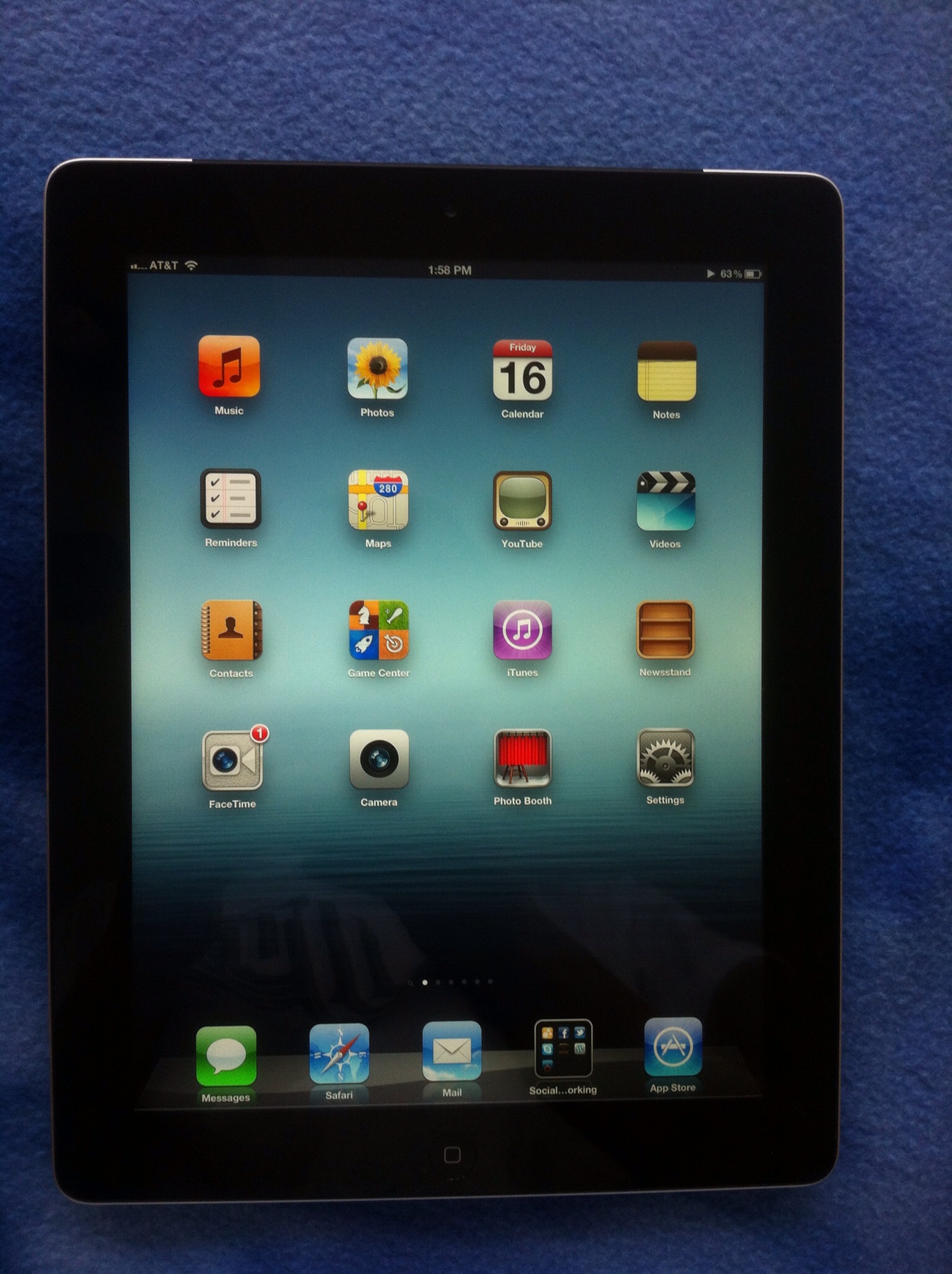
The new retina display is absolutely incredible. It is the best feature of the new iPad and really just the screen would make me recommend it to everyone I know. It is just that amazing. You can’t see it from the photo above but really it is incredible. When apps start taking advantage of this like some already have then this great device will be even better.

4G

If you spent the extra cash for the 4G LTE iPad then you will probably have found this great if you have LTE in your area. Unfortunately I do not have LTE for AT&T or Verizon in my area so I went with AT&T HSPA+ and even then the speed is good but not as good as LTE. I can’t wait to tryout LTE.

Camera


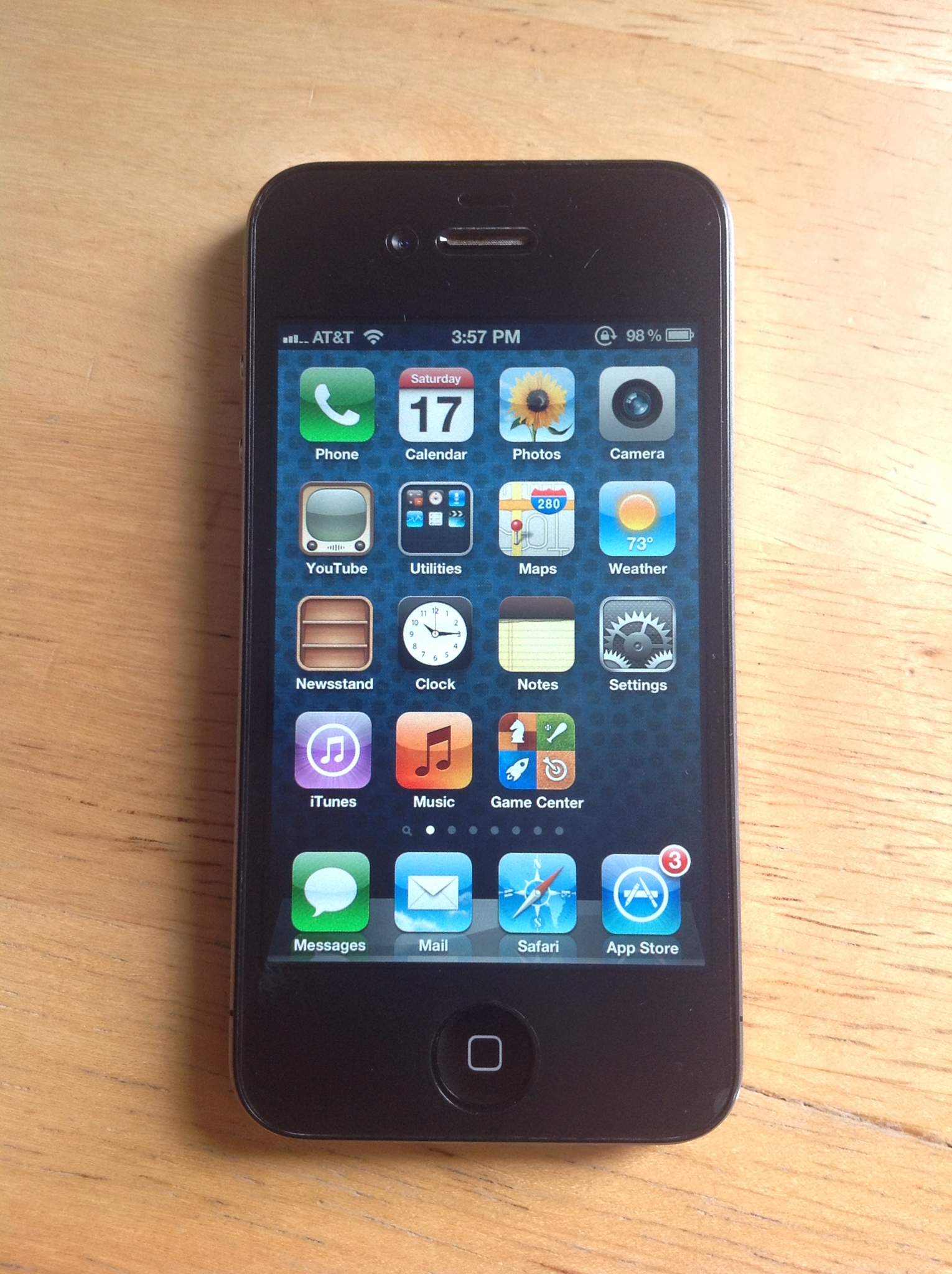
The image you see above was taken from the new iPad and let me tell you the camera in this thing is a GIANT improvement. Look how clear the iPhone 4 is in the picture! This does not give you permission to however go around using your iPad as your new camera because face it you look like an idiot when you do that. But if you have it with you say in the house, sitting outside, or just have it near go head and snap be. Just don’t bring it everywhere JUST to take photos.

Dictation

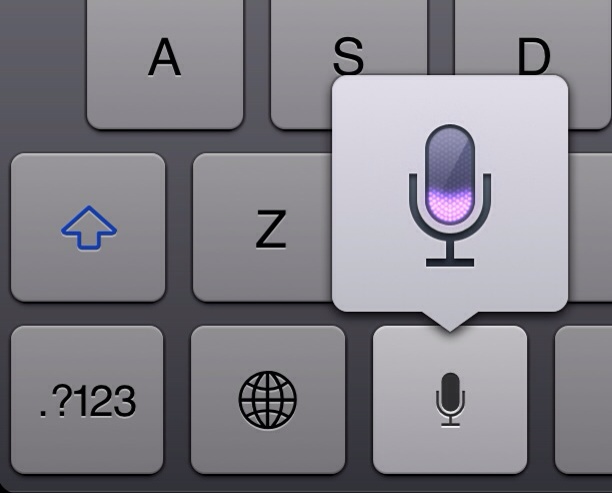
Speech to text is a great thing on the iPad. It works very well and gets the job done correctly and fast. It’s not Siri but it’s very useful. Do you believe I just wrote this entire section using only the iPads dictation?

Processor

The processor is great in this thing the new iPad is very very fast. It loads things faster than I have seen on a lot of their devices. It works well. Everything is smooth and I love it.

Feel

The feel is great. Even though it is a little thicker than the iPad 2 and a little heavier you won’t really notice. It really feels great to use.

Overall

The iPad is a great thing. The retina display sells it for me but if you have an iPad 2 wifi or 3G and don’t mind the speeds or the display then you might want to stay away. I feel however the display and the speeds just sell it. I will be posting some apps throughout the weekend to help you get started with your new iPad.


New iPad gets Torn Apart

While most of us wait for the delivery or the stores to open for our new iPad, iFixit has started to rip it apart.

Oh goodness! It’s so beautiful! Even turned off, the 2048×1536 pixel “Retina Display” seems to radiate with colors one could not even begin to imagine. … As we lift the LCD, we hear the cries of 3,145,728 pixels being removed from their homes inside the iPad 3.

Here is what they found:

  • Display connector is incompatible with the iPad 2 meaning you can’t by the display and swap it with your iPad 2 display.
  • Samsung is manufacturing the displays.
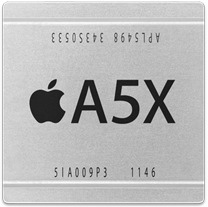
  • A5X can handle an extra 200MHz of speed.
  • Logic Board:
    • Texas Instruments CD3240 driver device
    • Broadcom BCM4330 802.11a/b/g/n MAC/Baseband/Radio with Integrated Bluetooth 4.0+HS and FM Transceiver
    • Two Elpida LP DDR2. Each package is 512 Mbyte for a total of 1 Gbyte
    • Qualcomm PM8028 Power Management IC
    • Toshiba ZX0730 1123KLD
    • Qualcomm RTR8600 multi-band/mode RF transceiver for LTE bands (under the thermal pad)
    • Broadcom BCM5973 I/O controller
  • Also a upgraded 42.5 watt-battery.

Here is the youtube video of what they found

Tomorrow I will have some first impressions up along with probably an unboxing video for us! To see more of the insides visit iFixit

[iFixIt]

If you pre-order your iPad now you won’t get it launch day

First off I would like to apologize for not saying anything on the new iPad. Just by the time I could post everything you could have read it on 20 different sites and I didn’t have the time. However I was able to pre order mine so I can get it on launch day!

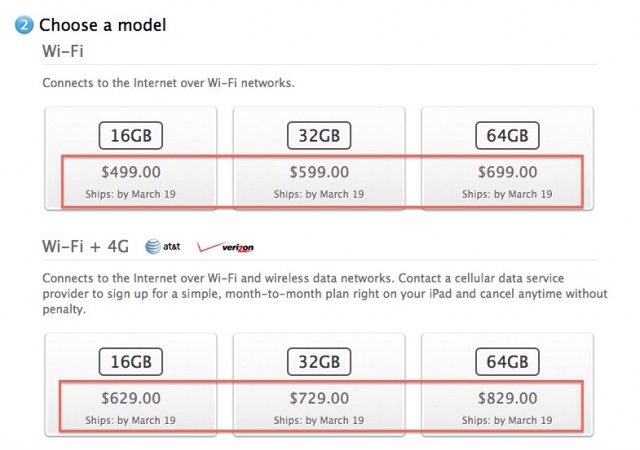
It seems that if you order the iPad now no matter what model you will not get on on the 16th you will get it after the 19th. All though it is only 3 days later the iPads that are supposed to arrive on launch day most of them have already been shipped.

The new iPad was sold out of pre-orders for at least AT&T in the first day of sales. Or few hours for that matter. Hopefully you got your iPad pre-order in so you can get it on launch day. I know I did. Good luck for all of you who are going to be trying to get into the retail store to get your hands on the newest best iPad yet.

Everything you need to know for tomorrow

Tomorrow is the big day for the iPad. I have compiled a video for all of you to let you listen to what you can expect tomorrow instead of reading a long list!

One more thing…

Tomorrow I will not be able to cover the entire event but I will be trying to have a little bit of posts going. Then when I get home a video will be up on all the information. I will be trying to post on my twitter (@matthewjagiela @apples_genius). If you want great live coverage here are some sites I recommend: iMore, 9to5mac, Cult Of Mac, BGR.

No word on preorders. Also I would like to note I was one of the first to say LTE was ready to go. From December 11th Speculating on the iPad 3